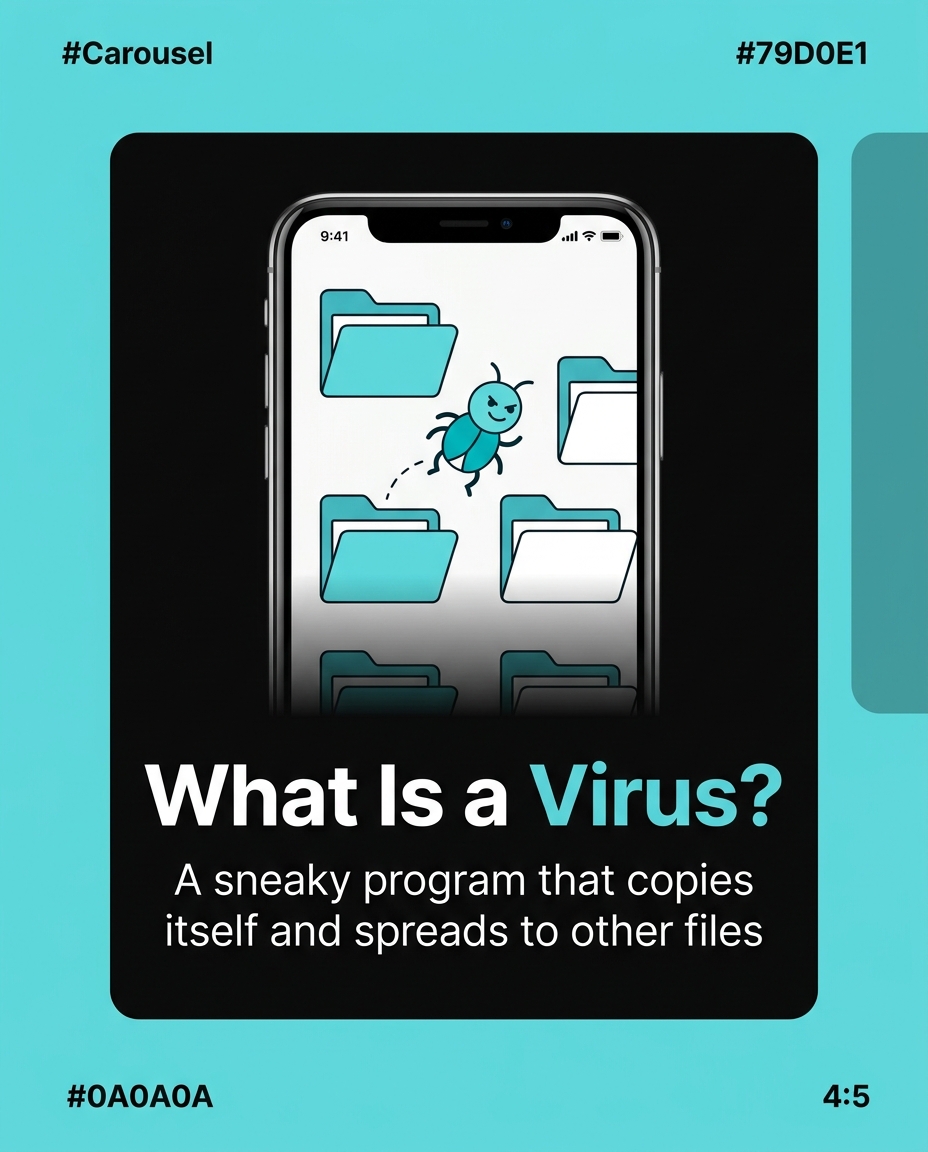
What is a computer virus for kids? A computer virus is a tiny piece of sneaky computer code that someone writes on purpose to sneak into a computer or phone, copy itself, and cause trouble — like slowing things down, stealing information, or deleting files. It’s called a “virus” because, just like a cold virus makes you feel sick and spreads to your friends, a computer virus “infects” a device and can spread to other devices too. The good news? Just like your body has a defense system, computers have one too — it’s called antivirus software, and it’s basically a digital superhero standing guard 24/7.
How Does a Virus Actually Get Into a Computer?
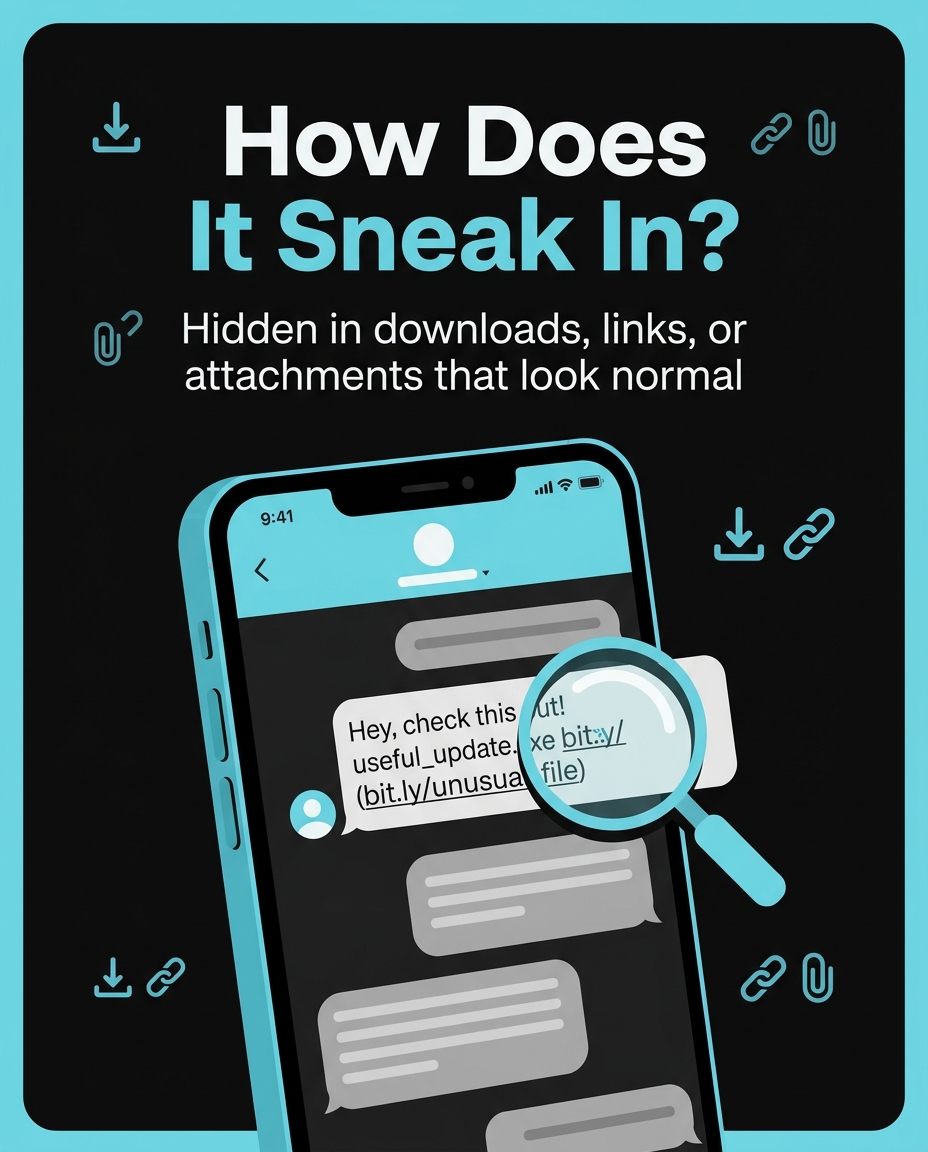
Viruses don’t just appear out of nowhere — they need a way in, called a “delivery method.” Here are real ways this has happened:
- The ILOVEYOU virus (2000): Millions of people around the world received an email with the subject line “ILOVEYOU” and an attachment called LOVE-LETTER-FOR-YOU.txt.vbs. Curious people opened it, thinking it was a love note. Instead, it deleted photos and music files and emailed itself to everyone in that person’s contact list. Within 10 days, it had infected over 50 million computers worldwide.
- Fake game downloads: Some kids have downloaded what looked like a free version of a popular game (like a “cracked” version of Minecraft mods) from a random website, only to find out the file also installed a hidden program that recorded what was typed on the keyboard.
- USB drives: The Stuxnet virus in 2010 spread partly through infected USB flash drives plugged into computers, showing that viruses don’t even need the internet — just a connection point.
What Does a Virus Actually Do Once It’s Inside?
Not all viruses do the same thing — they have different “jobs” once they sneak in:
- Damage files — like the CIH virus (1998), also called “Chernobyl,” which could overwrite important data on the hard drive and even damage certain computer chips, affecting an estimated 60 million computers, mostly in Asia.
- Spy on you — some viruses, called spyware, quietly record which keys you press, trying to capture passwords or credit card numbers.
- Take over your computer — a type called a “botnet” virus can secretly link thousands of infected computers together so a hacker can control them all at once. In 2016, the Mirai botnet infected over 600,000 smart devices (like cameras and routers) and used them to shut down major websites, including Twitter and Netflix, for hours.
- Hold your files hostage — this is called ransomware. In 2017, the WannaCry virus locked files on more than 200,000 computers in 150 countries, including hospital computers in the UK, and demanded payment to unlock them.
How Does Antivirus Software Catch a Virus?
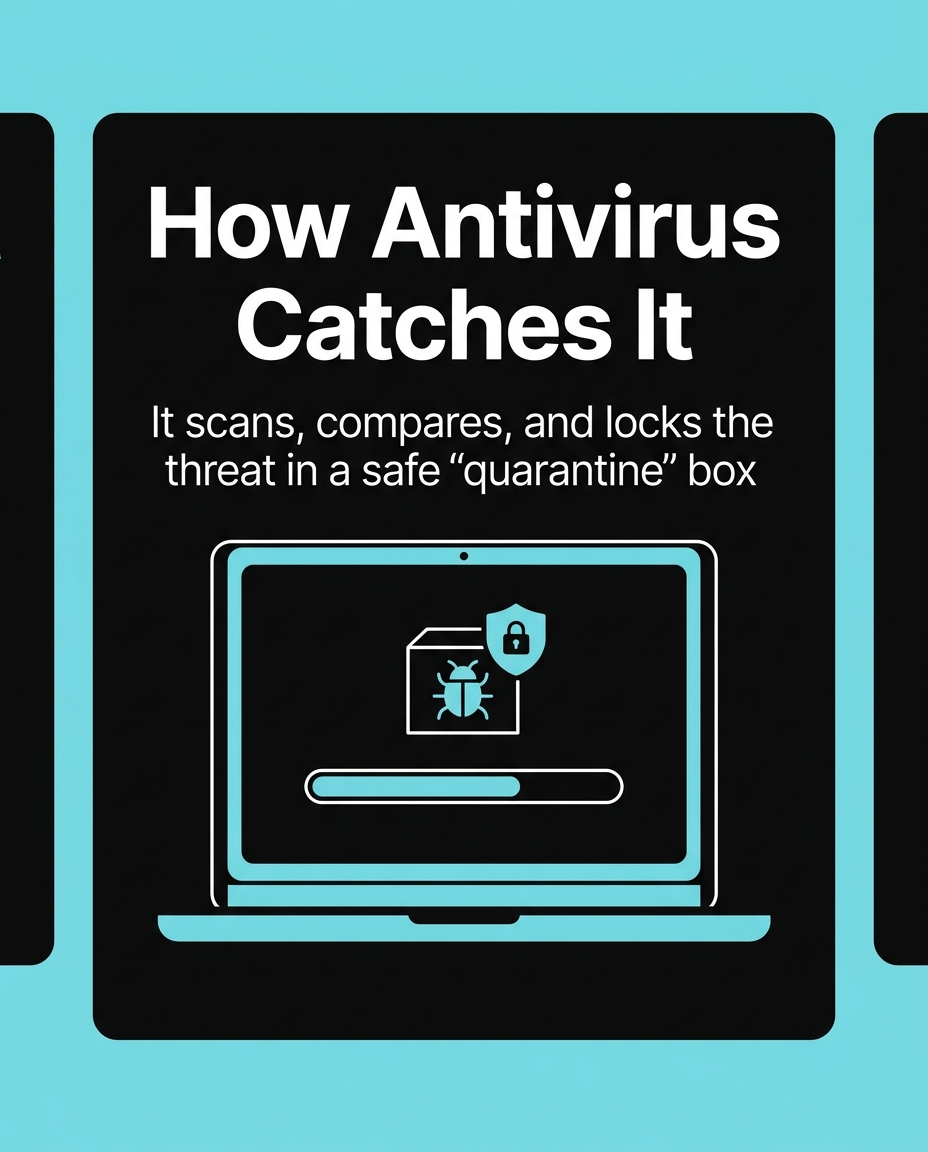
Antivirus software works like an airport security checkpoint for your computer — it checks everything coming in before it’s allowed to run. Here’s how it actually catches viruses:
- Signature matching: Antivirus companies keep a giant “most wanted” list of virus code patterns, called signatures. When a new file arrives, the antivirus scans it and compares its code to the list. If even a small piece matches a known virus, it gets blocked instantly.
- Behavior watching: Some viruses are brand new and don’t match any known signature yet (these are called “zero-day” threats). So modern antivirus also watches for suspicious behavior — like a program suddenly trying to delete hundreds of files in a row, or a file trying to secretly turn on your webcam. If it acts like a virus, the antivirus stops it, even if it’s never seen that exact virus before.
- Sandboxing: Some antivirus tools open suspicious files in a safe, isolated “test room” (a sandbox) first — kind of like testing a firework in an empty field instead of your living room — to see what the file does before it’s allowed to touch your real files.
- Cloud updates: When a new virus is discovered anywhere in the world, antivirus companies push out an update within hours (sometimes minutes) so every computer using that antivirus gets protected almost instantly, like a group text warning everyone about danger at once.
A Real Example: How Fast Antivirus Reacts
When the WannaCry ransomware started spreading in May 2017, a 22-year-old researcher named Marcus Hutchins noticed the virus was trying to contact a strange, unregistered web address every time it infected a new computer. He registered that web address himself just to study it — and accidentally discovered it acted like an “off switch.” Once he registered the domain, the virus stopped spreading. Antivirus companies then quickly added WannaCry’s signature to their databases, so any computer with updated antivirus was protected within hours. This shows that stopping viruses is a team effort between researchers, antivirus companies, and regular updates.
What Can Kids Do to Stay Safe?
You don’t need to be a computer expert to protect yourself — just smart habits:
- Never open surprise attachments — even from friends. If a message feels weird (like “ILOVEYOU” from someone who never emails you), ask an adult before clicking.
- Only download games and apps from official stores — the App Store, Google Play, or official game websites — never from random pop-up links.
- Keep antivirus and software updated — updates often contain the newest virus “wanted list,” so an old, outdated antivirus is like a guard reading last year’s newspaper.
- Ask before plugging in USB drives from friends or found in random places — they could carry hidden programs.
- Tell an adult if something seems off — like the computer suddenly running slow, popping up strange windows, or a file you didn’t create appearing on the desktop.
Why This Matters More Than Ever
Today, kids use computers, tablets, and phones for school, games, and talking with friends — which means understanding viruses isn’t just for adults anymore. In 2023, cybersecurity researchers reported that malware attacks targeting mobile devices (like phones and tablets kids use every day) rose significantly, with millions of malicious app installations detected worldwide. Knowing how viruses spread and how antivirus catches them helps you become your own first line of defense — smart, curious, and safe online.
Want to try it out? 🚀
- 🎬 Sample lesson: Free trial
- 📋 Full syllabus: View the program
- 🎓 Enroll & details: Cyber School courses
The International Cyber School Program (Grades 4–9): live online, globally recognized certifications, from fundamentals to CTF.
Frequently Asked Questions
Can a computer virus make my computer explode or get physically damaged?
No — a virus can’t physically explode a computer, but some viruses (like CIH in 1998) can damage important software that controls hardware, which in rare cases can stop a computer from turning on properly until it’s repaired.
Is it true that Macs and iPhones can’t get viruses?
No, that’s a myth. While Macs and iPhones have strong built-in protections and fewer viruses are made for them, malware targeting Apple devices has been found, including fake apps and phishing tricks — so smart habits matter no matter what device you use.
If antivirus doesn’t recognize a brand-new virus yet, does that mean I’m not protected at all?
Not necessarily — good antivirus also watches for suspicious behavior (like a program suddenly trying to delete lots of files), so it can catch many new, unknown viruses even before an official “signature” for them is created.