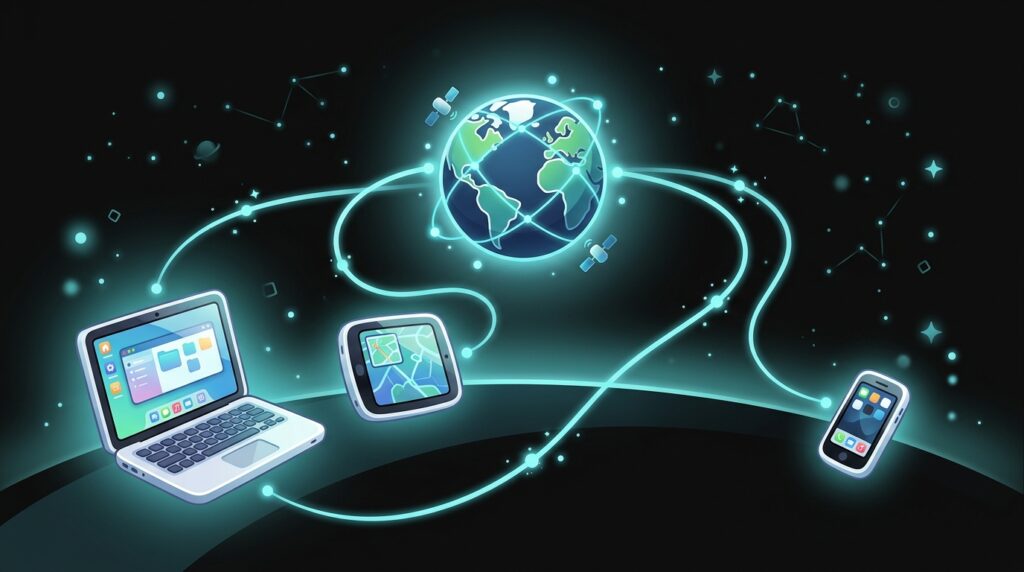
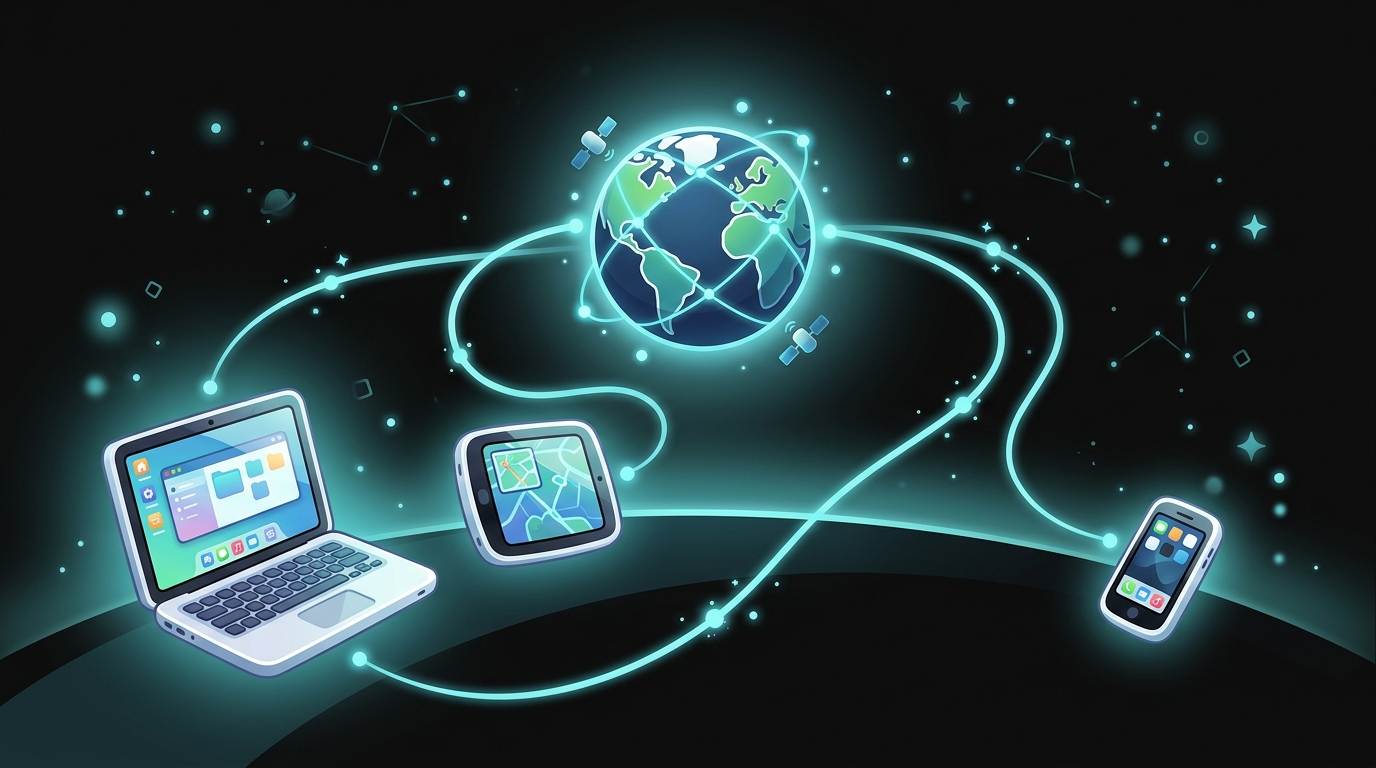
Every time you play an online game, watch a video, or chat with a friend on a tablet, your device is doing something amazing behind the scenes: it’s sending and receiving information across the internet. But how does the internet know exactly where to send that video or game update — to YOUR device, and not to someone else’s device on the other side of the world? The answer is something called an IP address.
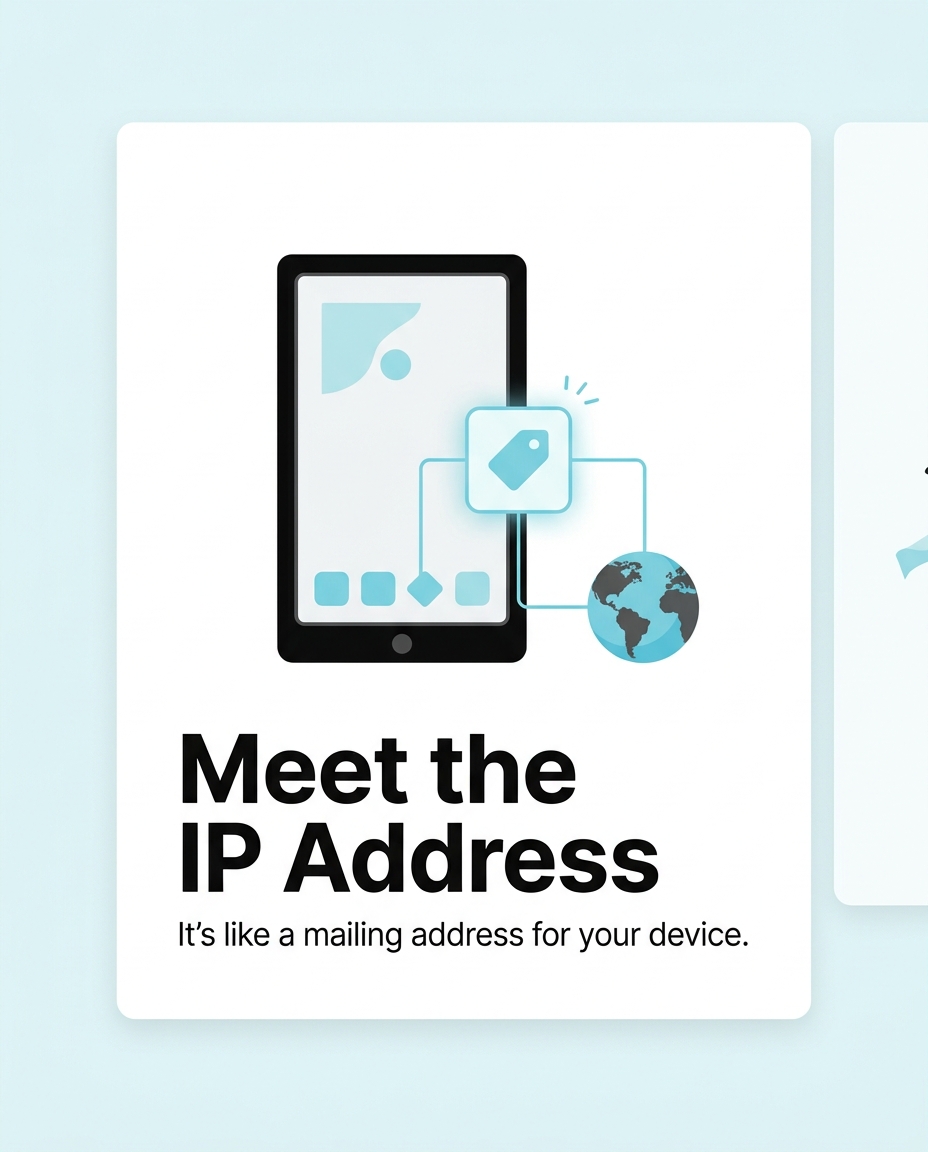
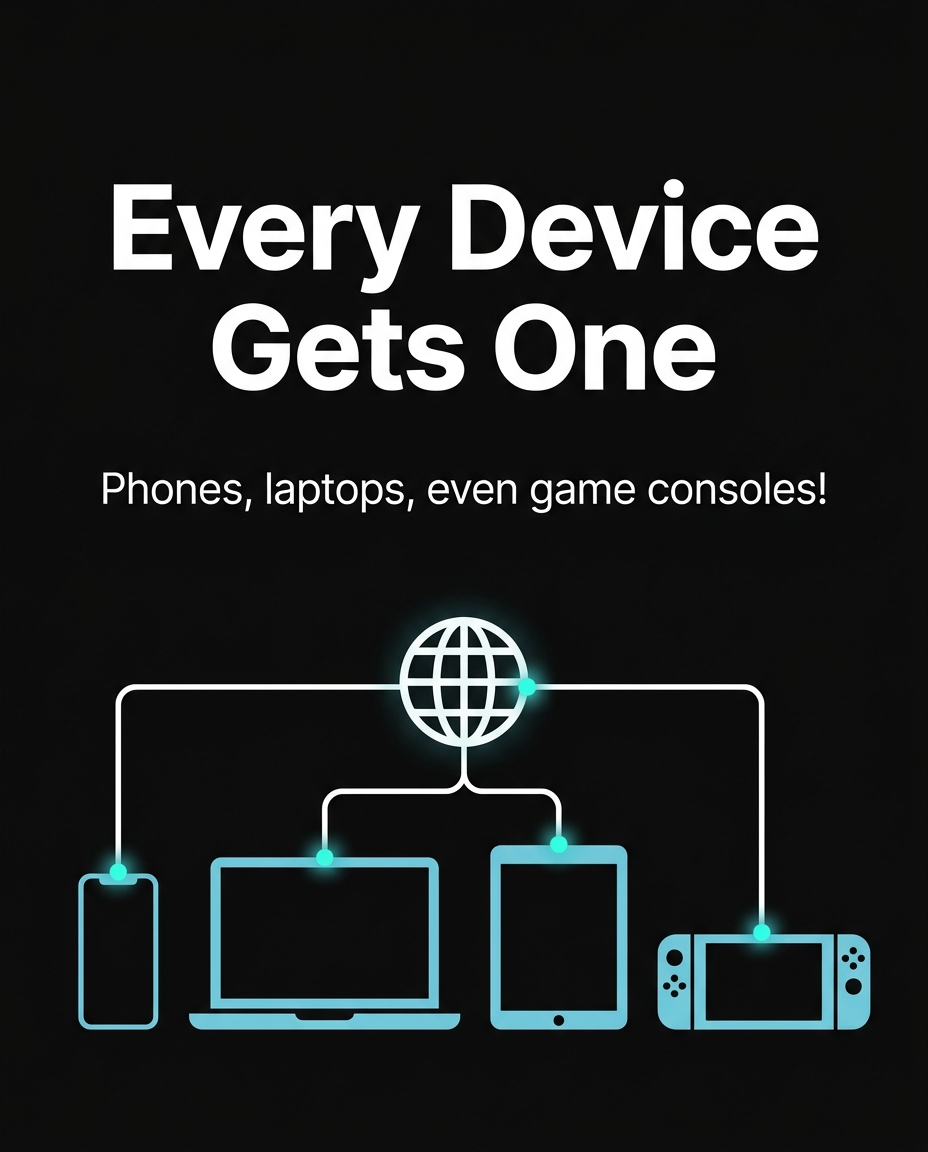
Think of an IP address for kids like the return address on a letter. If you mail a birthday card to your cousin in another state, the mail truck needs your cousin’s home address to deliver it to the right house. The internet works in a very similar way — except instead of houses, it delivers information to devices like phones, laptops, tablets, and gaming consoles.
What Does IP Address Actually Mean?
IP stands for Internet Protocol. That’s just a fancy way of saying “the rules the internet follows to move information around.” An IP address is a unique string of numbers assigned to every device connected to the internet.
Here’s a real example: an IP address might look like 192.168.1.15 or a longer version like 2001:0db8:85a3:0000:0000:8a2e:0370:7334. The first kind (four numbers separated by dots) is called IPv4, and it’s the older, more common style. The second, longer kind is called IPv6, and it was created because the world started running out of IPv4 addresses — there are over 7.9 billion people on Earth and even more connected devices, so we needed way more possible address combinations!
A Real-World Example: Sending a Message to a Friend
Let’s say Maya, age 11, sends a message to her friend Josh through a video game chat. Here’s what really happens in just a fraction of a second:
- Maya’s tablet has its own IP address, something like 10.0.0.23.
- Josh’s game console has a different IP address, like 10.0.0.47.
- When Maya hits “send,” her message is broken into tiny pieces of data.
- Each piece is labeled with Josh’s IP address, like an envelope with his home address on it.
- The message travels through routers (like traffic directors) until it reaches Josh’s exact device — not his neighbor’s, not a random stranger’s, but HIS console specifically.
All of this happens in about 0.1 to 0.3 seconds — faster than you can blink!
Two Kinds of IP Addresses: Public and Private
Here’s something interesting: your device might actually have two IP addresses at once.
1. Private IP address — This is the address your device uses inside your home network. For example, your smart TV might be 192.168.1.5 and your phone might be 192.168.1.8, both connected to the same Wi-Fi router.
2. Public IP address — This is the address your whole home network uses when talking to the wider internet. Your family’s router might have a public IP address like 73.162.45.201, and every device in your house shares this one address when reaching out to websites and apps.
It’s kind of like an apartment building: the building has one street address (the public IP), but each apartment inside has its own door number (the private IP).
Why Should Kids Know About IP Addresses?
You don’t need to memorize numbers or become a network engineer to understand one important idea: your IP address can reveal information about your general location, like your city or region. It usually won’t show your exact home address, but it’s still personal information worth protecting — kind of like your phone number.
Here’s a real scenario that happened in an online multiplayer game community in 2021: players discovered that a “prank” tool let people trick opponents into revealing their IP address during a match, then look up the approximate city where they lived. This is called “IP grabbing,” and while it doesn’t give someone your street address, it’s still a privacy risk — especially if combined with other details you might accidentally share, like your school name or neighborhood in chat.
This is exactly why cyber-smart kids follow simple safety habits:
- Never click on suspicious links sent in game chats, even from people who seem friendly — some links are designed to capture your IP address or personal info.
- Use a nickname instead of your real name in gaming profiles.
- Ask a parent before installing unknown gaming “mods” or third-party tools, since some are secretly designed to collect data.
- Remember that a VPN (Virtual Private Network) is a tool adults sometimes use to hide their real IP address and add a layer of privacy — it’s one of many tools professionals use to stay safe online.
How Many IP Addresses Exist in the World?
This is where it gets really cool. The IPv4 system (the 192.168.1.1 style) can create about 4.3 billion unique addresses. That sounds like a lot, but with billions of phones, laptops, smart fridges, smartwatches, and gaming systems in the world, we actually ran out of new IPv4 addresses to hand out back in 2011!
That’s why IPv6 was invented. IPv6 can create 340 undecillion addresses. To put that in perspective, that’s a number with 36 zeros — enough addresses for every grain of sand on every beach on Earth to have its own IP address, with plenty left over. Engineers built IPv6 to make sure the internet never runs out of room to grow, even as more smart devices join every single day — including smart doorbells, robot vacuums, and even internet-connected refrigerators.

A Quick Way to Think About It
If the internet is like a giant global postal system, then:
- A website is like a business with its own address (for example, a video streaming service has its own IP address on a server somewhere).
- Your device is like your house, with its own unique address.
- The router is like your neighborhood mail carrier, making sure packages (data) go to the right house.
- Your IP address is the label that makes all of this possible.
Understanding your IP address is one of the very first steps in becoming cyber-aware. Once you know how information travels across the internet, you start to understand why online safety habits — like protecting personal info and being careful with links — actually matter. It’s not about being scared of technology; it’s about understanding how it works so you can use it wisely, just like knowing how a bike works helps you ride it safely.
Want to try it out? 🚀
- 🎬 Sample lesson: Free trial
- 📋 Full syllabus: View the program
- 🎓 Enroll & details: Cyber School courses
The International Cyber School Program (Grades 4–9): live online, globally recognized certifications, from fundamentals to CTF.
Frequently Asked Questions
Can someone find my exact home address from my IP address?
No. An IP address usually reveals only a general area, like your city or region, not your exact street address. However, it’s still personal information worth protecting, so it’s smart to avoid sharing it with strangers online.
Does my IP address ever change?
Yes! Many home IP addresses are “dynamic,” meaning your internet provider can assign a new one every so often, especially when you restart your router. Some businesses use “static” IP addresses that stay the same all the time.
Why do I have a different IP address at home than at school?
Each network (your home Wi-Fi, your school’s Wi-Fi, a coffee shop’s Wi-Fi) has its own connection to the internet, so it’s assigned its own public IP address. When your device joins a different network, it gets a new address to use on that network.