
Every week, a new app promises to turn your child into “the next great coder.” Some deliver real value. Many are little more than gamified busywork with a subscription attached. As a parent, how do you tell the difference between a program that builds genuine skill and confidence, and one that just keeps a kid entertained for 45 minutes on a Tuesday afternoon?
The answer isn’t about finding the “best” brand name. It’s about understanding what your specific child needs at their specific age, and knowing which questions to ask before you commit time, money, and — most valuable of all — your child’s curiosity.
Start With Age, Not Ambition
A 7-year-old and a 15-year-old should never be in the same type of program, even if both are labeled “coding for kids.” Here’s what that actually looks like in practice:
- Ages 6-9: Visual, block-based tools like Scratch Jr. or drag-and-drop logic games. The goal is sequencing and cause-and-effect thinking, not syntax. A good sign: your child builds a simple animated story or a maze-solving character within the first session.
- Ages 10-13: Introduction to real typed code (Python is common), plus early cybersecurity concepts like “what makes a password strong” or “how do you spot a fake link.” A 12-year-old in a well-run program should be able to explain, in their own words, why clicking an unknown attachment is risky — not just recite a rule.
- Ages 14-18: Structured tracks — ethical hacking basics, network fundamentals, or app development — with real projects, not just quizzes. At this age, a teen should be producing something: a working script, a small website, a documented security finding on a practice platform.
If a program markets itself as “one size fits all ages 6 to 16,” treat that as a red flag, not a convenience.
Look at the Curriculum, Not Just the Marketing Page
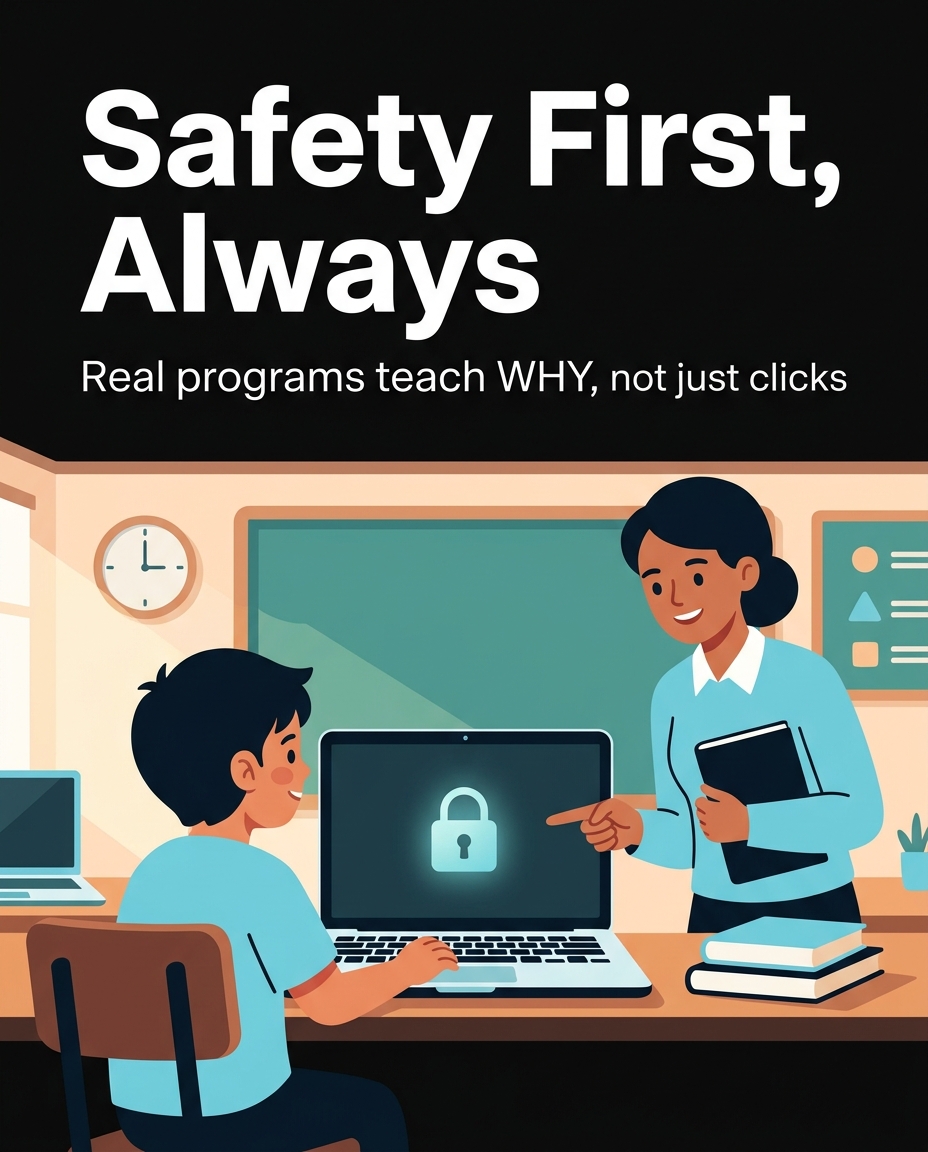
Ask the program directly: “Can I see a sample lesson plan for week 3?” A serious academy will show you exactly what’s taught, in what order, and how skills build on each other. A program that can only offer a glossy brochure with stock photos of kids at laptops is telling you something.
Here’s a concrete comparison. Program A’s week 3 lesson plan reads: “Students learn to identify phishing emails using five real (redacted) examples, then build a simple checklist they can use at home.” Program B’s description reads: “Fun cyber activities to keep kids engaged!” Program A gives you something you can evaluate. Program B gives you a feeling.
Real curricula also show progression. In one 10-week cybersecurity course we’ve reviewed, week 1 covers password hygiene, week 4 covers recognizing social engineering tactics (like a fake “IT support” phone call), and week 8 has students design their own simple security awareness poster for their household. That’s a visible skill arc — not a random grab-bag of “cyber fun facts.”
Check Who Is Actually Teaching
A 22-year-old computer science undergrad running a summer camp is not the same as an instructor with real security industry background teaching a structured cybersecurity track. Both can be good — but ask directly: “What is the instructor’s background, and have they worked with this age group before?”
For example, a parent enrolling a 13-year-old in an ethical hacking introduction should feel comfortable asking, “Will my child ever be shown techniques without context on legal and ethical boundaries?” A responsible program will have a clear, ready answer — usually something like “every technical lesson opens with a discussion of where the line is between ethical practice and illegal activity,” because that framing is standard in real cybersecurity education, not an afterthought.
Small Group Size Matters More Than Flashy Software
A live class of 30 kids with one instructor, regardless of the platform, usually means your child gets 90 seconds of individual attention per hour. Compare that to a class of 8, where a child who’s stuck on a logic error in their code actually gets help before they give up and disengage.
Ask directly: “What is the student-to-instructor ratio in the live sessions?” If the answer is vague (“we keep classes small!”) ask for a number. A ratio of 6:1 or 8:1 for live, interactive tech classes is a reasonable benchmark for kids under 14. For teens in more independent project work, up to 12:1 can still work if there’s a clear system for individual check-ins.
Test the Program Before You Commit
Any legitimate academy should offer a free sample lesson or trial class. This is the single most useful step in your decision process — more useful than reviews, testimonials, or comparison charts.
During a trial, watch for three things: Does your child stay engaged without constant prompting from you? Does the instructor call on your child by name and adjust when they’re confused? And afterward, can your child explain — in one or two sentences — what they learned? If a 10-year-old finishes a trial class and says “we learned how hackers trick people with fake emails, and I made a rule for my family,” that’s a program working as intended. If they say “it was fun” and nothing else, dig deeper before enrolling.
Weigh Online vs. In-Person Honestly
Online programs offer flexibility and access to specialized instructors regardless of location — useful if your area has no local cybersecurity education options. In-person programs offer easier focus enforcement and social learning, which matters more for younger kids (ages 6-10) who are still building attention span for screen-based learning.
A practical rule: for kids under 10, in-person or heavily parent-supervised online sessions tend to work better. For teens 13 and up who are already self-directed, well-structured online programs with live instructors (not just pre-recorded video) can work extremely well, especially for specialized topics like penetration testing basics that aren’t offered locally.
Red Flags Worth Remembering
- No sample lesson or trial available before payment.
- Instructor backgrounds not disclosed or vague (“our expert team”).
- Curriculum described only in adjectives (“exciting,” “fun,” “cutting-edge”) with no actual lesson topics listed.
- Class sizes not disclosed, or disclosed only as “small.”
- No clear age-appropriate structure — the same content offered to a 7-year-old and a 16-year-old.
Choosing a tech program for your child is really about choosing a learning relationship, not a piece of software. The best programs treat cybersecurity and coding education the way a good sports coach treats skill development: age-appropriate steps, real feedback, and visible progress you and your child can both point to and say, “we did that.”
Want to try it out? 🚀
- 🎬 Sample lesson: Free trial
- 📋 Full syllabus: View the program
- 🎓 Enroll & details: Cyber School courses
The International Cyber School Program (Grades 4–9): live online, globally recognized certifications, from fundamentals to CTF.
Frequently Asked Questions
What age should my child start learning about cybersecurity?
Basic digital safety concepts, like not sharing passwords and recognizing suspicious messages, can start as early as age 6-7 in simple, story-based formats. More technical cybersecurity concepts, like phishing analysis or network basics, are typically appropriate starting around age 10-12, depending on the child’s reading level and attention span.
How much time should my child spend in a tech program each week?
For younger kids (ages 6-9), 1-2 hours per week across one or two sessions is usually enough to build skill without causing burnout. Teens in more advanced tracks can benefit from 3-5 hours weekly if the material includes hands-on projects, since deeper concepts like ethical hacking fundamentals require more practice time to sink in.
Is it worth paying for a program if there are free coding apps available?
Free apps are useful for initial exposure and can help you gauge your child’s interest before investing further. However, structured programs with live instructors typically offer real-time feedback, age-appropriate pacing, and accountability that self-guided apps can’t replicate, which matters especially for topics like cybersecurity where context and ethical framing are essential.