Imagine you get a message that says, “You’ve won a free Roblox gift card! Click here to claim it now!” Your heart jumps — free stuff! But wait. Before you click anything, take a breath. This message might be a trick called phishing, and learning to spot it is one of the coolest cyber skills you can have.
Phishing is when someone pretends to be a trusted person, company, or friend to trick you into clicking a bad link, giving away a password, or downloading something dangerous. It happens on text messages, email, Instagram DMs, Discord, and even inside games. The good news? Once you know the 3 rules, phishing messages start to look obvious — like a magician’s trick once you know how it’s done.
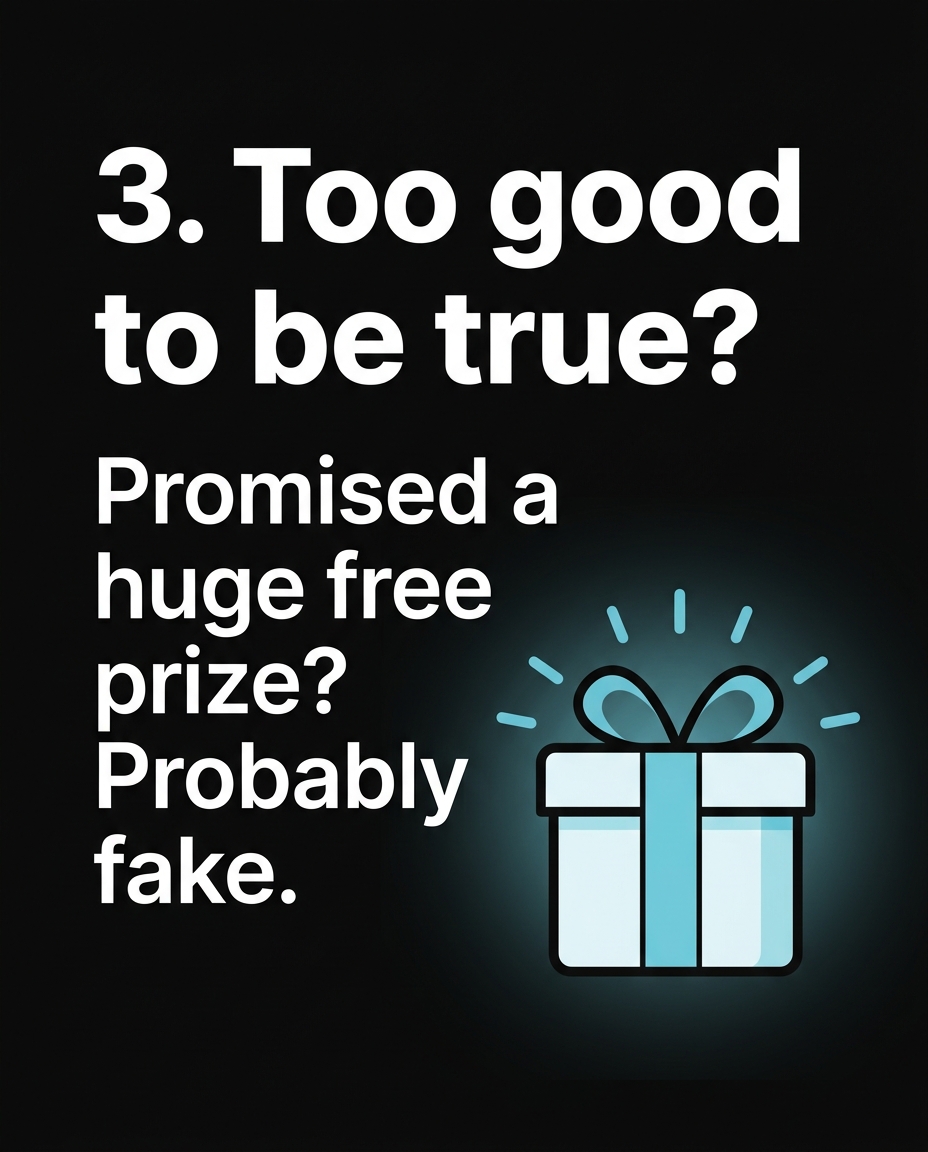
Rule 1: Watch for “Too Good to Be True” Offers
Scammers know kids love free stuff — game currency, skins, gift cards, or rare items. That’s exactly why the fake messages are built around them.
Real example: In 2022, thousands of Roblox and Fortnite players received messages claiming, “Get 10,000 free Robux — just log in here!” The link led to a fake login page that looked almost identical to the real Roblox site. Kids who typed in their username and password had their accounts stolen within minutes. Some accounts had rare limited items worth hundreds of real dollars, gone in seconds.
Here’s the rule to remember: real companies never give away huge free rewards just for clicking a link. Robux, V-Bucks, gift cards, and game currency are only earned by playing, buying, or through official in-game events — never through a random message from a stranger or even a “friend” whose account might already be hacked.
Ask yourself: Would a real company really give this away for free, to a random person, with zero catch? If the answer feels like “probably not,” it’s phishing.
Rule 2: Check Who’s ACTUALLY Sending It
Phishing messages love to disguise themselves as someone official — your school, YouTube, Apple, or even a friend. But the sender’s real address or username usually gives it away.
Real example: In 2023, a wave of texts went out saying, “This is Apple Support. Your iCloud has been locked due to suspicious activity. Verify your account: appleid-verify-secure.com.” That web address looks close to Apple’s real site (apple.com) — but it’s not. Real Apple links always end in “.apple.com,” never a random made-up domain with extra words like “verify-secure” attached.
Another real case: a 12-year-old on Discord got a DM from an account named “Discord_Nitro_Team” offering a free 3-month Nitro subscription. The username looked official, but real Discord staff accounts have a special verified badge, and Discord never DMs users offering free Nitro through random accounts. The kid clicked the link, and it asked for his login token — which, if entered, would have let the scammer take over his entire account, servers included.
The rule: always check the actual sender address or link, not just the name or logo shown. A fake message can use the real Apple logo, the real Roblox colors, even a copy-pasted official message — but the link or email address underneath is where the truth hides. Hover over links (on a computer) or press-and-hold (on a phone) to preview the real web address before tapping.
Rule 3: Slow Down When It Feels Urgent or Scary
Phishing messages almost always try to make you panic or rush. That’s the biggest clue of all — real emergencies rarely come through a random text or DM.
Real example: In 2021, a phishing text spread among teens that said, “Your Snapchat will be permanently deleted in 1 hour unless you verify your account now: snap-chat-verify.net.” Thousands of teens panicked and clicked, entering their Snapchat login on a fake page. Snapchat’s real support never contacts users this way, and accounts are never deleted with a 1-hour countdown from a text message.
Another example that fooled even smart students: a fake email pretending to be from a school’s IT department said, “Your student account will be suspended today unless you click here and re-enter your password.” One middle school in Texas reported that over 40 students clicked the link before a teacher caught it and warned the whole school. The email created fear (“suspended today!”) to stop kids from thinking clearly.
The rule: urgency is a red flag, not a reason to hurry. Real companies and schools give you time and multiple ways to contact them if something is actually wrong. If a message makes your stomach drop and says “act now or else,” stop, close the message, and ask a trusted adult before doing anything.
Putting the 3 Rules Together
Here’s a quick way to remember all three next time a suspicious message pops up:
- Too good to be true? Free Robux, free skins, free gift cards from nowhere — it’s a trap.
- Who’s really sending it? Check the actual link or email address, not just the name or picture.
- Is it rushing you? Real problems don’t come with 1-hour countdowns from strangers.
If a message checks even one of these boxes, don’t click, don’t reply, and don’t type in any password. Instead, go directly to the real website yourself (type it in manually) or ask a parent, teacher, or older sibling to look at it with you. Reporting the message (most apps have a “Report” button) also helps protect other kids from the same trick.
Phishing works because it’s designed to catch you off guard — but now that you know the pattern, it’s much harder to fool you. Every time you pause and check before clicking, you’re one step ahead of the scammers, and that’s a real cyber skill worth being proud of.
Want to try it out? 🚀
- 🎬 Sample lesson: Free trial
- 📋 Full syllabus: View the program
- 🎓 Enroll & details: Cyber School courses
The International Cyber School Program (Grades 4–9): live online, globally recognized certifications, from fundamentals to CTF.
Frequently Asked Questions
What exactly is phishing?
Phishing is when someone pretends to be a trusted company, website, or person to trick you into clicking a fake link, giving away your password, or downloading something harmful — usually through a message, text, or email.
What should I do if I already clicked a phishing link?
Don’t panic — close the page immediately without entering any information. If you already typed in a password, change that password right away on the real website and tell a trusted adult so they can help check your account.
Can phishing happen inside games, not just email?
Yes — phishing happens a lot in games like Roblox, Fortnite, and on platforms like Discord, often through fake “free rewards” links or messages pretending to be game staff. The same 3 rules apply no matter where the message shows up.