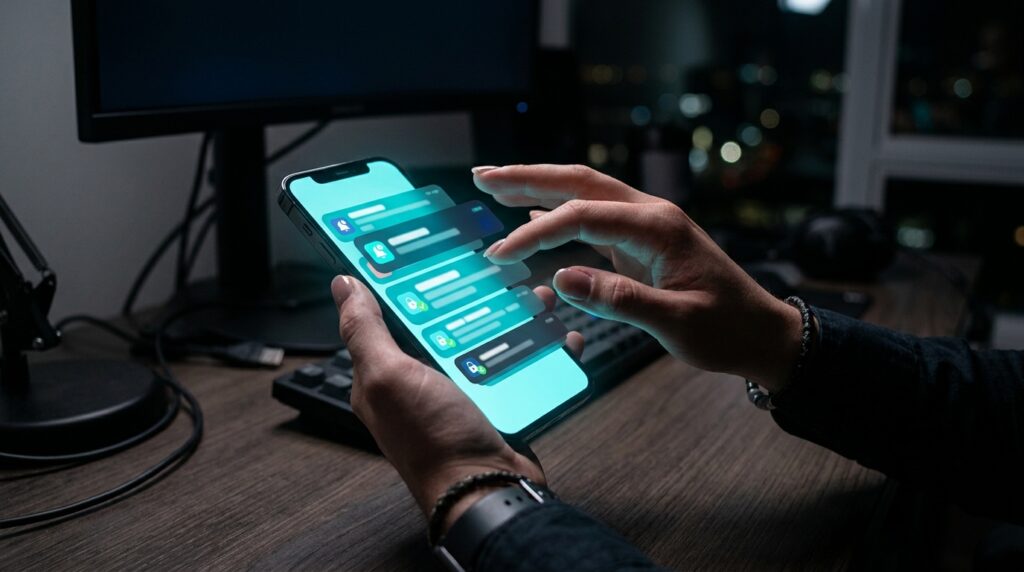
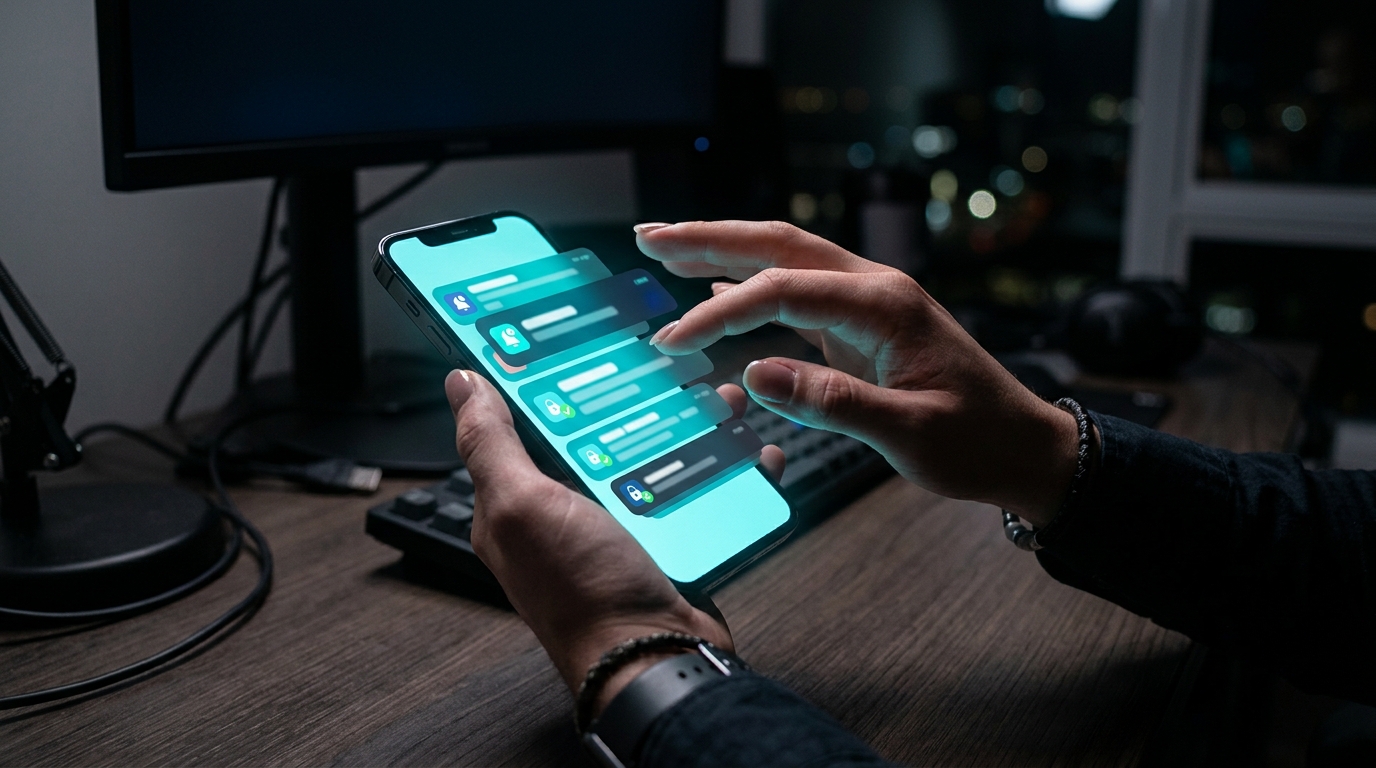
Multi-factor authentication (MFA) was supposed to be the security control that finally made stolen passwords irrelevant. For years, it mostly worked. Then attackers found a simpler bypass than cracking cryptography: they just ask the human to click “approve” enough times that they eventually do. This is the MFA fatigue attack (also called MFA bombing or push bombing), and it has become one of the most effective initial-access techniques used against enterprises since 2021.
What Is an MFA Fatigue Attack?
An MFA fatigue attack starts after an attacker already has a valid username and password — usually purchased from an initial access broker, harvested via phishing, or reused from a previous breach (credential stuffing). Instead of trying to defeat the second factor technically, the attacker repeatedly triggers push notifications to the victim’s authenticator app: Okta Verify, Duo Push, Microsoft Authenticator, or similar. The victim’s phone buzzes over and over — sometimes dozens of times in a single hour, sometimes across an entire night — until irritation, confusion, or sheer exhaustion leads them to tap “Approve.”
The attack doesn’t need to be technically sophisticated. It exploits a predictable human response: when something interrupts you enough times, you eventually make it stop, even if that means doing the wrong thing.

Real-World Cases That Prove the Threat Is Not Theoretical
This is not a hypothetical risk. Several major breaches in the last three years trace directly back to MFA fatigue.
- Uber, September 2022: An attacker affiliated with the Lapsus$ group purchased a contractor’s stolen credentials on the dark web, then bombarded the contractor with MFA push notifications for over an hour. The attacker also contacted the victim on WhatsApp, posing as Uber IT support, and told them to accept the prompt to make the notifications stop. The employee complied. The attacker gained access to Uber’s internal Slack, Google Workspace, AWS console, and vulnerability management tools — one of the most damaging corporate breaches disclosed that year.
- Cisco, May 2022: An employee’s personal Google account (which had saved Cisco credentials synced in the browser) was compromised. The attacker, linked to the UNC2447 group and later associated with Yanluowang ransomware operators, then used a combination of MFA push bombing and voice phishing calls impersonating Cisco IT support to convince the employee to accept a push notification.
- Microsoft, 2022 (Lapsus$): Microsoft’s own incident report on Lapsus$ described the group’s playbook explicitly: buy credentials, spam MFA prompts, and in some cases pay employees or contractors at target organizations to accept the request themselves.
All three cases share the same pattern: valid credentials plus repeated push requests plus a social-engineering nudge (a fake IT call, a text message, or an insider willing to click) equals a bypassed MFA control that many organizations assumed was near-unbeatable.
Why Traditional MFA Is Vulnerable
Push-based MFA was designed for convenience — a single tap is faster than typing a six-digit code. But that convenience is exactly the weakness. Standard push notifications typically show minimal context: sometimes just “Approve or Deny,” without the location, device, or application requesting access. A tired employee at 11 p.m., or someone mid-meeting who gets a notification and assumes it’s a glitch from their own login attempt earlier that day, has almost no information to make a safe decision — and no built-in friction to slow them down.
Attackers also scale the volume deliberately. Security researchers have documented campaigns sending 50–100+ push requests to a single victim within a few hours, often timed for late night or early morning when the target is least alert and least likely to call the help desk to verify.
How to Defend Against MFA Fatigue Attacks
The good news: this attack is largely preventable with configuration changes most organizations already have access to, not expensive new tooling.
- Switch to number matching. Microsoft, Okta, and Duo all support a mode where the user must type a specific number shown on the login screen into their authenticator app, rather than just tapping “Approve.” This single change eliminates blind, reflexive approvals — Microsoft reported enforcing number matching by default across Entra ID (Azure AD) in 2023 specifically to curb this attack class.
- Enable rich context in push notifications. Showing the requesting application, geographic location, and device type inside the push prompt gives users the information to spot an anomaly (“Login from Lagos, Nigeria — Chrome/Windows”) instead of a blank yes/no choice.
- Rate-limit and lock out after repeated prompts. Configure identity providers to automatically suspend an account or escalate to a security analyst after a small threshold (e.g., 3–5 failed or ignored push attempts within 10 minutes) rather than allowing indefinite retries.
- Move toward phishing-resistant MFA. FIDO2/WebAuthn security keys (YubiKey, Titan Key) and passkeys require physical possession of a registered device and cryptographic proof tied to the specific website — there is no “approve” button to fatigue someone into pressing. CISA has explicitly recommended phishing-resistant MFA as the gold standard for high-value accounts since 2022.
- Train employees on the “stop, verify, report” habit. Staff should know that a flood of unexpected MFA prompts is itself a security incident, reportable through a known channel — not a nuisance to silence by tapping approve, and not something to “resolve” over an unsolicited phone call from someone claiming to be IT.
- Establish an out-of-band IT verification process. Because the Uber and Cisco attacks both included a social-engineering phone call or message impersonating IT support, employees need a documented, trusted way to verify that a request is legitimate — for example, calling a published help desk number rather than trusting an inbound call or chat message.

What Security Teams Should Monitor
Even with strong configuration, detection matters. Security operations centers should alert on: multiple MFA push denials followed by an eventual approval, MFA requests generated outside normal working hours for that specific user, and logins that succeed immediately after a burst of failed or ignored pushes. Duo, Okta, and Microsoft Entra ID all expose this telemetry through their admin consoles and can feed it into a SIEM for automated correlation — turning a pattern that used to be invisible into a fast, actionable alert.
The Bigger Lesson
MFA fatigue attacks are a reminder that security controls fail at the point where technology meets human attention span. Uber and Cisco did not have weak MFA — they had MFA that assumed a rational, well-rested, fully informed user on the other end of every prompt. Closing that gap means pairing smarter technical defaults (number matching, phishing-resistant keys) with a workforce that treats a flood of push notifications the same way it would treat a stranger trying every door in the building: as something to report, not something to make go away.
Want to try it out? 🚀
- 🎬 Sample lesson: Free trial
- 📋 Full syllabus: View the program
- 🎓 Enroll & details: Cyber School courses
CSRP — Cyber Security Responder & Practitioner. Hands-on labs, job-ready skills, industry certifications for career-changers and pros.
Frequently Asked Questions
Is an MFA fatigue attack the same as SIM swapping?
No. SIM swapping involves an attacker hijacking a victim’s phone number to intercept SMS codes or calls. MFA fatigue involves spamming legitimate push notifications to an authenticator app already installed on the victim’s device, hoping they approve one out of frustration. Both target MFA, but the mechanics and defenses differ.
Does enabling number matching completely eliminate MFA fatigue attacks?
It removes the “blind tap” version of the attack, since the user must read a number from the login screen and type it in, which stops reflexive approvals. It does not stop combined attacks where a caller impersonating IT talks the victim through completing that step, so training and verification procedures are still necessary alongside the technical control.
Are phishing-resistant methods like FIDO2 keys practical for large organizations?
Yes, though rollout takes planning. Companies typically deploy security keys or passkeys first to high-risk groups — IT admins, executives, finance, and anyone with privileged access — then expand organization-wide. Microsoft, Google, and CISA all report successful large-scale rollouts once help desks add a lightweight self-service enrollment process.