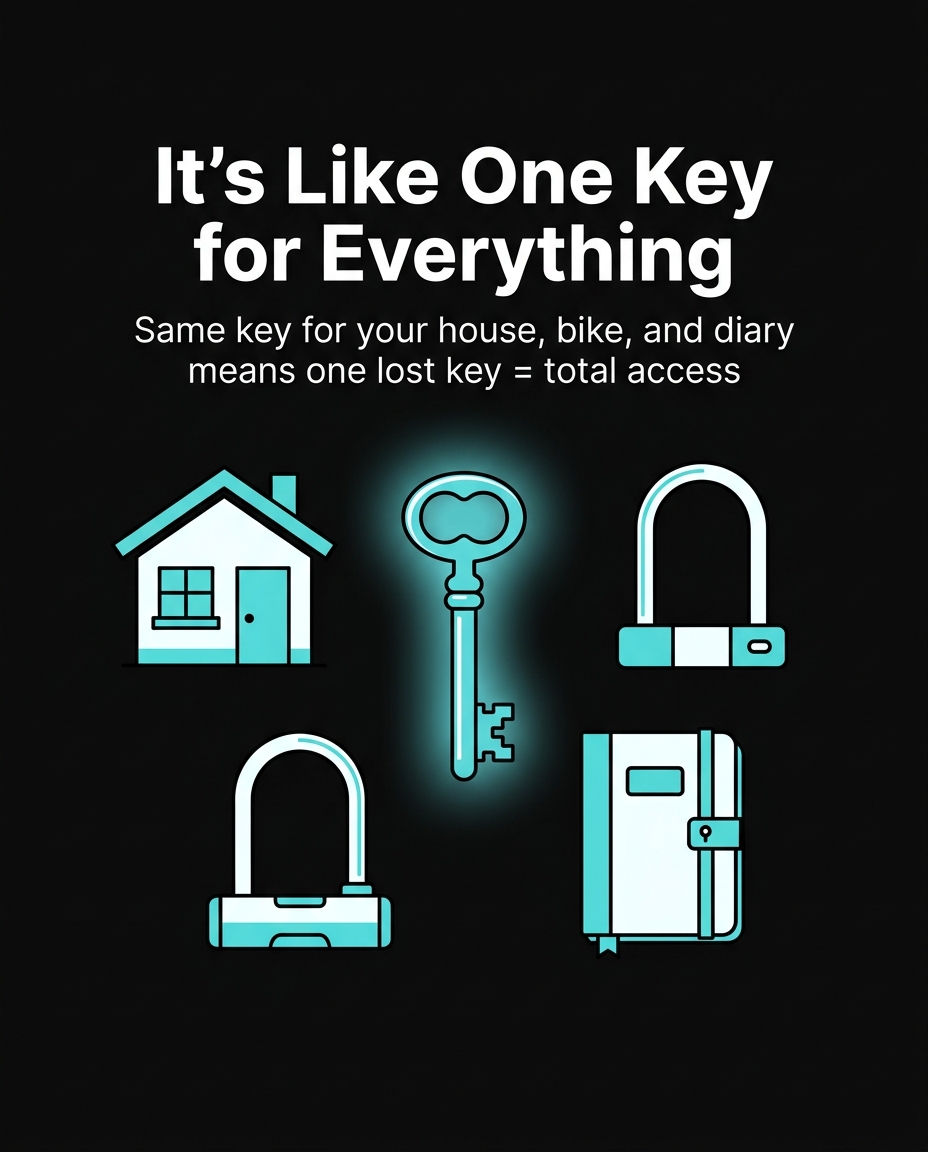
Imagine you have one single key that opens your front door, your bike lock, your school locker, and your diary. Sounds convenient, right? But what happens if you drop that key on the playground and a stranger picks it up? Suddenly, they can walk into your house, steal your bike, open your locker, and read your diary — all with one key. This is exactly what happens when you use the same password for every account online. Password reuse for kids is one of the biggest (and most avoidable) mistakes in cybersecurity, and today we’re going to break down exactly why.
What Is Password Reuse?
Password reuse means using the exact same password — or a very similar one — across multiple accounts. For example, if your Roblox password is “Sunshine123” and you also use “Sunshine123” for your school Google account, your email, and your Discord, that’s password reuse. It feels easier to remember one password, but it creates a single point of failure: if one account gets hacked, every account using that password is instantly at risk too.
A Real Example: The Roblox Password Leak of 2016
In 2016, over 100 million Roblox account credentials were exposed after being collected through third-party sites that reused login data from other breaches. Hackers didn’t even need to break into Roblox directly — they used passwords stolen from other, unrelated websites and simply tried them on Roblox accounts. This is called a credential stuffing attack, and it works incredibly well because so many people reuse passwords. Kids who used the same password for their school account and their Roblox account risked having both compromised, even though only one site was ever actually hacked.
The Domino Effect: One Leak, Many Victims
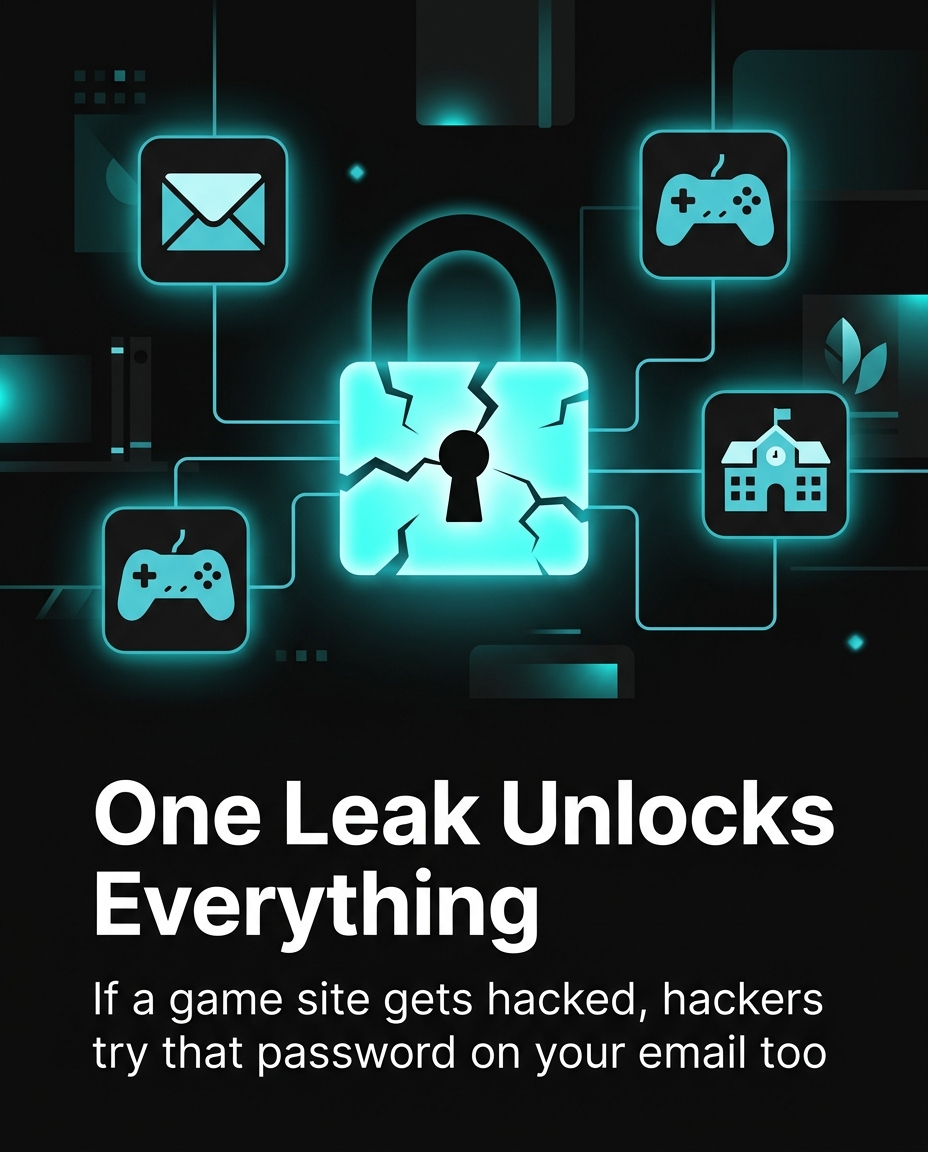
Here’s a real scenario that happens more often than you’d think: A 12-year-old creates an account on a small gaming forum using the password “Bluewolf22” and their real email address. Six months later, that forum gets hacked (small websites are hacked constantly — over 30,000 websites are hacked every single day worldwide, according to cybersecurity researchers). The hacker now has a list of emails and passwords. They try “Bluewolf22” on Gmail, Instagram, Fortnite, and Minecraft accounts linked to that same email. If the kid reused that password anywhere else, the hacker gets in — and can lock them out, send messages pretending to be them, or even steal in-game items worth real money. In 2020, Nintendo confirmed over 300,000 accounts were compromised this exact way — not because Nintendo was hacked, but because players reused passwords stolen from other breaches.
Why Kids Are Especially Targeted
You might think hackers only care about adults with bank accounts, but that’s not true. Kids’ gaming accounts, Discord profiles, and social media are valuable targets because:
- In-game items have real money value. Fortnite skins, Roblox Robux, and Minecraft accounts are bought and sold on black markets for real cash — sometimes hundreds of dollars per account.
- Kids often reuse simple, guessable passwords like pet names, birthdays, or favorite characters, making credential stuffing even easier.
- Many kids don’t check their accounts often, so a hacked account might go unnoticed for weeks, giving attackers plenty of time to cause damage.
How Password Reuse Turns One Mistake Into Ten
Think about how many accounts you probably have right now: email, YouTube, school portal, Roblox, Fortnite, Discord, maybe TikTok or Instagram. That could easily be 8 to 10 accounts. If you use the same password on all of them, one leaked password equals ten hacked accounts. But if each account has its own unique password, one leak equals just one hacked account — and you can fix it before it spreads. This single habit change is one of the most powerful things you can do to protect yourself online.
What You Can Do Instead
The good news: protecting yourself doesn’t require being a tech genius. Here’s what actually works:
- Create a unique password for every important account — especially email, gaming accounts, and anything linked to a payment method.
- Use a passphrase instead of a single word — something like “PurpleDragon$Flies47” is much stronger and easier to remember than “Sunshine123.”
- Ask a parent about a password manager. These are free tools (like Bitwarden or the one built into Chrome or Safari) that remember all your unique passwords so you don’t have to.
- Turn on two-factor authentication (2FA) wherever possible. Even if a hacker guesses your password, 2FA sends a code to a trusted device, blocking them from getting in.
- Check if your info has been leaked using a site like haveibeenpwned.com (with a parent’s help) — it tells you if your email has appeared in a known data breach.
The Bigger Lesson: Awareness Protects You
Cybersecurity isn’t about being scared of computers — it’s about understanding how things work so you can make smart choices. Password reuse for kids feels like a small, harmless habit, but as the Roblox and Nintendo examples show, it’s often the exact weak point hackers count on. The next time you’re setting up a new account, take an extra 30 seconds to create a password that’s different from all the others. That small effort could be the difference between a normal Tuesday and losing your favorite game account overnight.
Want to try it out? 🚀
- 🎬 Sample lesson: Free trial
- 📋 Full syllabus: View the program
- 🎓 Enroll & details: Cyber School courses
The International Cyber School Program (Grades 4–9): live online, globally recognized certifications, from fundamentals to CTF.
Frequently Asked Questions
What is password reuse and why is it risky for kids?
Password reuse means using the same password across multiple accounts. It’s risky because if hackers steal that password from one site (even a small, unrelated one), they can use it to break into all your other accounts, including gaming profiles and email.
How do hackers actually use a leaked password from another website?
They use a method called credential stuffing, where they automatically try a stolen email-and-password combo on hundreds of other popular sites like Roblox, Fortnite, or Gmail, hoping the person reused the same password.
What’s an easy way for kids to create different passwords without forgetting them?
Using a passphrase — a short, memorable phrase mixed with numbers and symbols, like “PurpleDragon$Flies47” — is much easier to remember than random characters, and asking a parent to set up a password manager can safely store all your unique passwords for you.