Every year, millions of parents hand their kids a phone or tablet without realizing that the default settings are built for maximum sharing, not maximum safety. A 2023 Pew Research study found that 46% of teens report being online “almost constantly,” yet only 39% of their parents had ever reviewed the privacy settings on their child’s most-used app. That gap is where most preventable incidents happen — not because of hackers, but because of settings nobody bothered to change.
The good news: you don’t need a computer science degree to close that gap. There are three specific privacy settings for kids that take less than ten minutes total to turn on, and together they block the vast majority of common risks — location exposure, stranger contact, and data harvesting. Here’s exactly what they are, why they matter, and how to find them.
1. Turn Off Precise Location Sharing (Especially on Snap Map and Life360-style apps)
In 2019, Snapchat’s “Snap Map” feature made headlines after several schools reported that students’ real-time locations — accurate to a specific building — were visible to their entire friends list by default. A 13-year-old in Ohio was located and approached by a stranger who had added her as a “friend” days earlier and simply watched her Snap Map pin move between her house and her school for a week before making contact.
Location sharing isn’t limited to Snapchat. Instagram Stories, TikTok, and even fitness apps like Strava have exposed precise routes and addresses. In 2018, Strava’s public heatmap accidentally revealed the locations of military bases because soldiers’ jogging routes were shared publicly by default — a clear demonstration that “just a run” can leak sensitive location data.
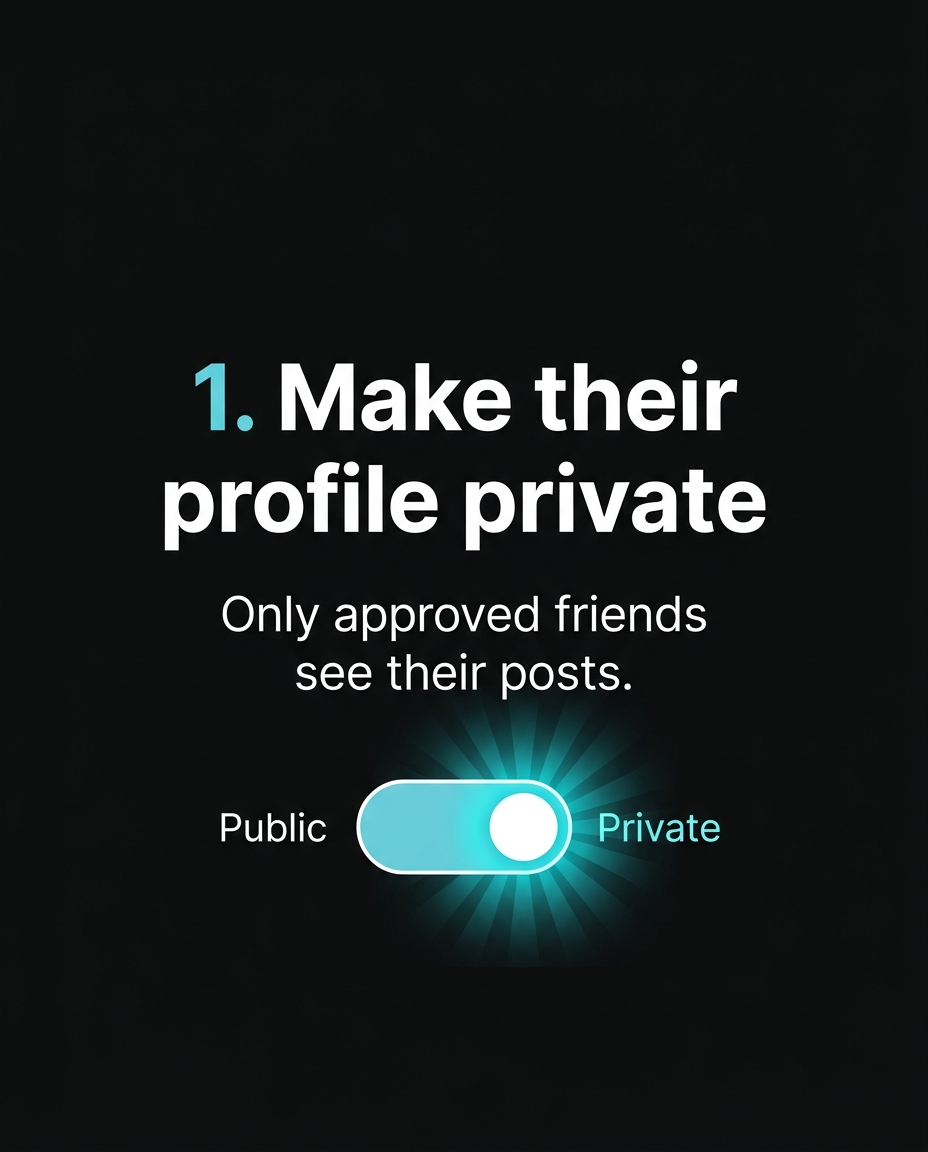
What to do today: Open Snapchat and go to Settings > See My Location > select “Ghost Mode.” On iPhone, go to Settings > Privacy & Security > Location Services, and set each app individually to “Never” or “While Using the App” — never “Always.” On Android, the path is Settings > Location > App permissions. This single change removes your child’s home address, school, and daily routine from apps that don’t need it to function.
2. Set Accounts to Private and Restrict Who Can Message
A public Instagram or TikTok account means anyone — not just approved followers — can see photos, comment, and in many cases send direct messages. In 2021, the National Center for Missing & Exploited Children (NCMEC) received over 29 million reports of suspected child exploitation, and a significant share began with first contact through public comments or open DMs on mainstream platforms, not obscure corners of the internet.
Roblox, used by an estimated 40% of US kids under 16, has its own version of this problem: by default, younger accounts can receive friend requests and private messages from any user. In 2022, Bloomberg documented cases where predators used Roblox chat to build rapport with children over weeks before attempting to move conversations to platforms like Discord.
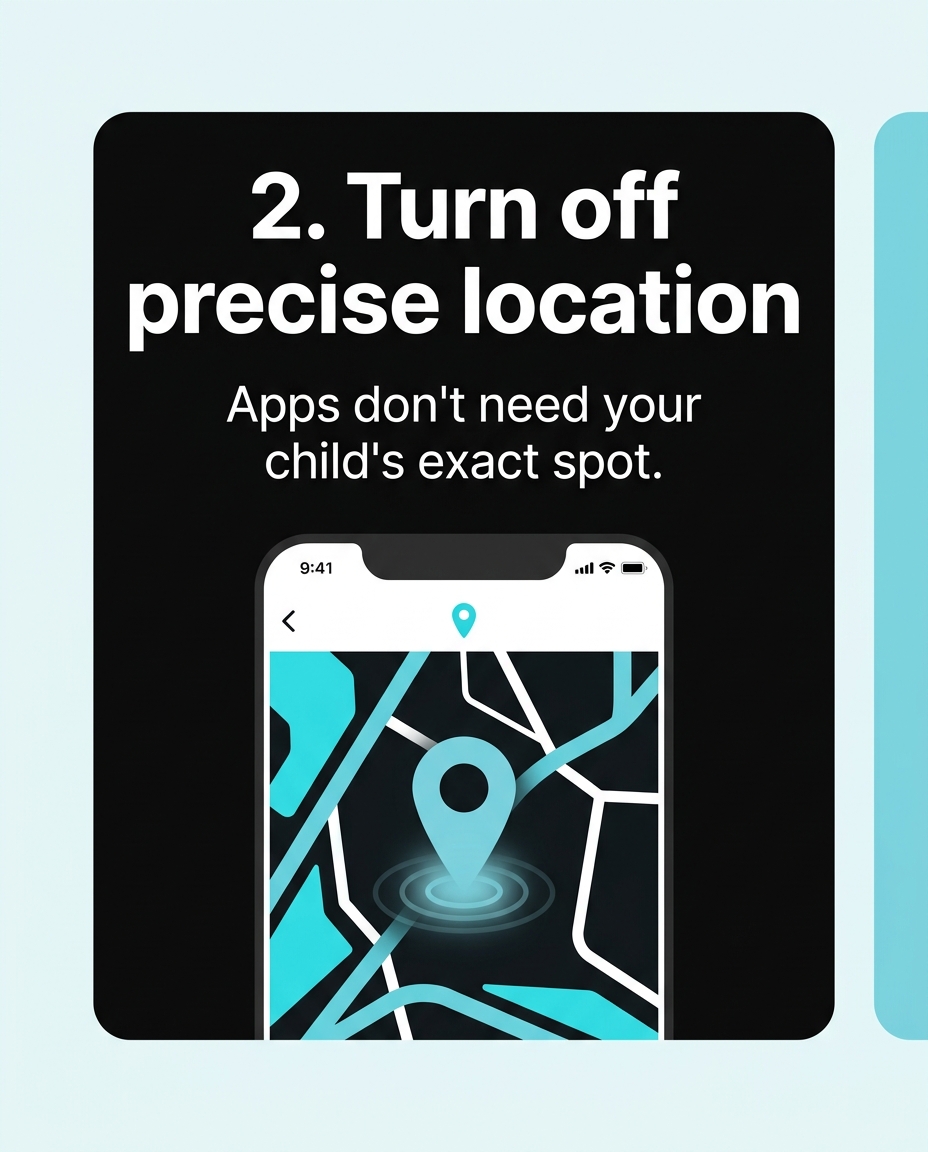
What to do today: On Instagram, go to Settings > Privacy > Account Privacy and toggle “Private Account” on. Then go to Messages and Story Replies and restrict who can message your child to “People You Follow” only. On Roblox, go to Settings > Privacy and set “Who Can Message You” and “Who Can Chat With You In-Experience” to “Friends” instead of “Everyone.” On TikTok, Settings > Privacy sets the account to private and disables “Suggest your account to others” — a feature that otherwise pushes your child’s profile toward strangers with similar viewing habits.
3. Turn Off Ad Tracking and Data Collection Permissions
The third setting is less visible but arguably the most far-reaching: app tracking. When Apple introduced App Tracking Transparency in 2021, requiring apps to ask “Allow [App] to track your activity across other companies’ apps and websites?”, data firm Flurry Analytics found that only 25% of US users opted in. That means three out of four people — including kids using shared family devices — had unknowingly been tracked before that prompt existed.
This matters for children specifically because of how profiles get built over time. A game like Roblox or a “free” educational app can collect device IDs, usage patterns, and even microphone or camera access if permissions are left on default “Allow.” In 2022, the FTC fined the app maker behind “Musical.ly” (TikTok’s predecessor) $5.7 million for illegally collecting personal information from children under 13 without parental consent — a violation of COPPA, the Children’s Online Privacy Protection Act. The data included names, email addresses, and precise location, gathered simply because tracking permissions were on by default and no one turned them off.
What to do today: On iPhone, go to Settings > Privacy & Security > Tracking, and turn off “Allow Apps to Request to Track.” This applies the “off” setting globally instead of app by app. On Android, go to Settings > Privacy > Ads, and tap “Delete advertising ID.” For any app your child uses, check Settings > Apps > Permissions and revoke camera, microphone, and contacts access for anything that doesn’t clearly need it — a coloring app has no reason to access the microphone.
Why These Three Settings, Specifically
There are dozens of privacy toggles across any given device, and trying to lock down everything at once usually means parents give up halfway through. These three were chosen because they map directly to the three most common real-world incidents reported to child safety organizations: being physically located by a stranger, being contacted directly by a stranger, and having personal data collected and potentially resold or leaked. Fixing all three takes roughly the same amount of time as setting up a new email account, and it doesn’t require restricting what your child can post, watch, or play — only who can see it and who can reach them.
Digital safety isn’t a one-time task. Apps update their defaults, kids get new devices, and new platforms appear every year — TikTok, BeReal, and Roblox were not household names a decade ago. Building a habit of a five-minute settings check every few months does more to protect a child than any single app ban ever will.
Want to try it out? 🚀
- 🎬 Sample lesson: Free trial
- 📋 Full syllabus: View the program
- 🎓 Enroll & details: Cyber School courses
The International Cyber School Program (Grades 4–9): live online, globally recognized certifications, from fundamentals to CTF.
Frequently Asked Questions
How often should I recheck these privacy settings?
Check every three to four months, and immediately after any major app update — companies frequently reset privacy toggles to their own defaults after updates, which often means re-enabling location sharing or public visibility without notifying users.
My child says private accounts make them “look uncool.” How do I respond?
Explain the specific mechanism, not just the rule: a private account still shows posts to approved friends and doesn’t reduce likes or comments from real friends — it only blocks strangers and bots from viewing content, which is invisible to their actual social circle.
Are these settings enough, or do I still need parental control software?
These three settings close the most common and severe risks (location exposure, stranger contact, and data harvesting) at the source, on any device. Parental control apps can add screen-time limits and content filtering on top, but they aren’t a substitute for checking these core privacy settings first.