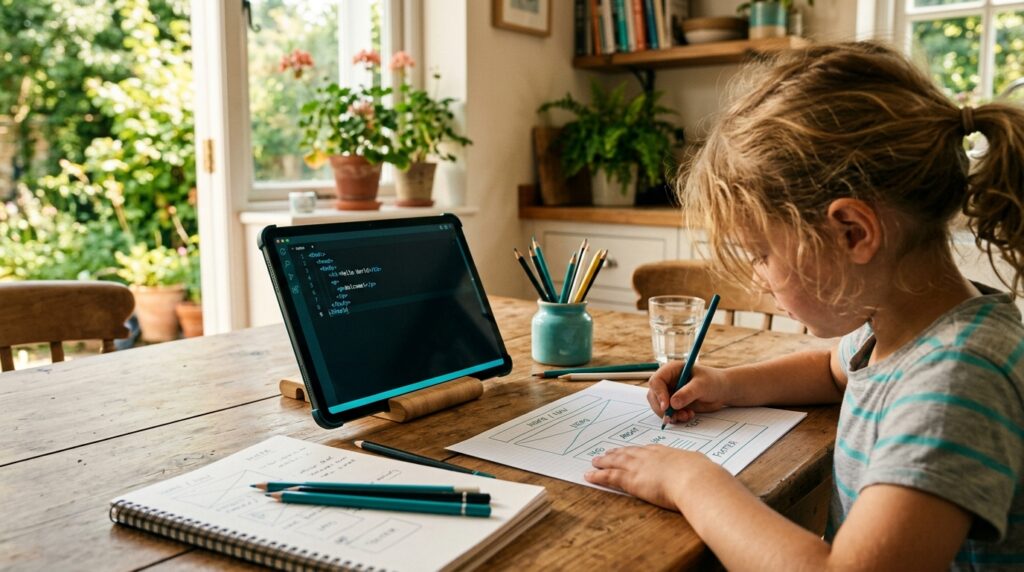
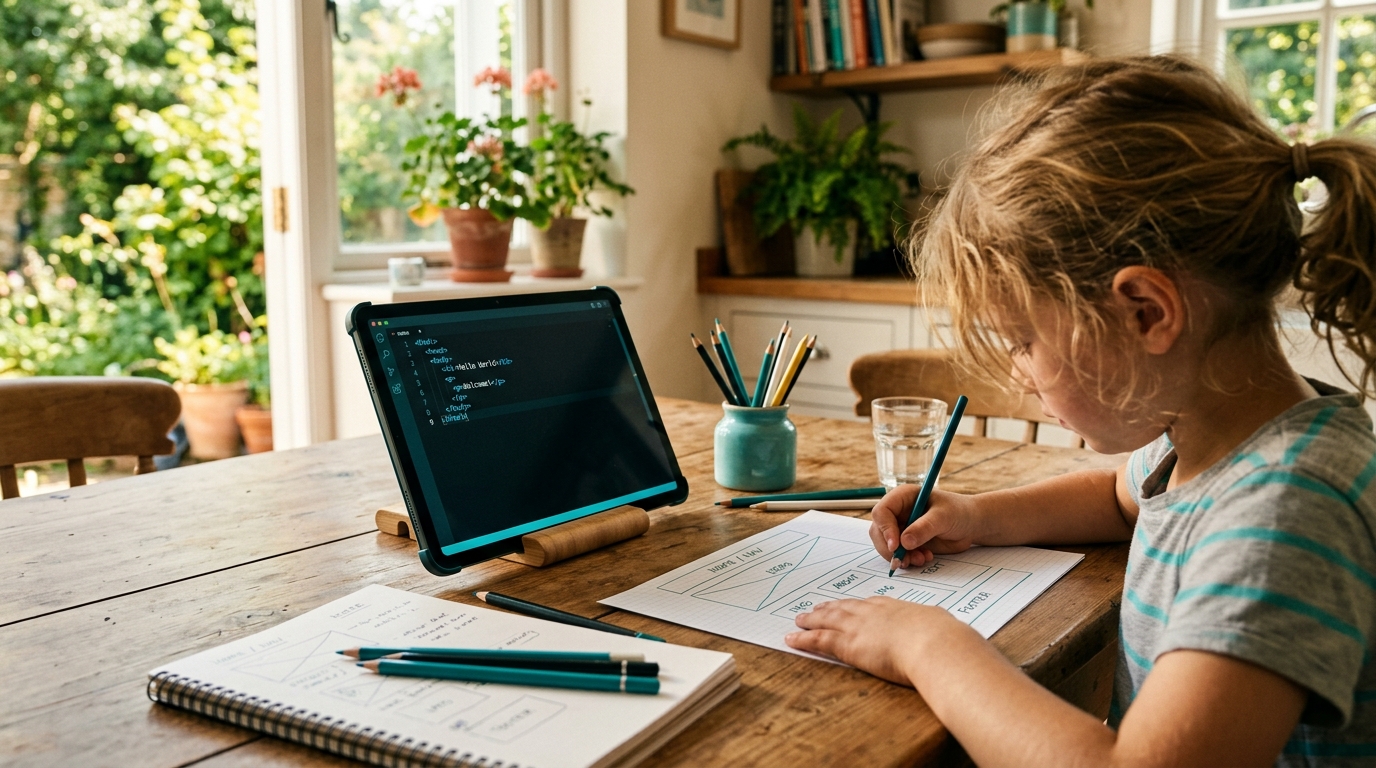
Every parent knows the scene: a child curled on the couch, thumb moving in an endless upward swipe, eyes glazed, thirty minutes gone before anyone notices. Passive scrolling — watching short videos, memes, and other people’s content without creating anything back — has become the default digital posture for millions of kids. But the same devices and platforms that enable passive scrolling can just as easily become tools for active creation. The shift from passive scrolling to creation isn’t about banning screens; it’s about redirecting the same attention and curiosity toward building something.
Consider the numbers: a 2023 Common Sense Media report found that kids ages 8–12 spend an average of 5 hours and 33 minutes a day on entertainment screen media, with the vast majority of that time going to watching, not making. Teens average even more — nearly 8.5 hours daily. Of that time, only a small fraction involves any form of creative output like coding, digital art, or video editing. The gap between consumption and creation is enormous, and it’s exactly where parents can intervene without a single argument about “screen time limits.”
Why Passive Scrolling Feels So Sticky
Short-form video platforms are engineered by teams of behavioral scientists to maximize watch time. The infinite scroll, the autoplay, the algorithmic feed that learns a child’s preferences within minutes — these are not accidents. A 2022 Stanford study on TikTok’s recommendation engine found it could identify and reinforce a user’s interests after fewer than 40 videos watched, creating a feedback loop that keeps kids swiping far longer than they intended.
This isn’t a moral failing on the child’s part. It’s a design problem. Understanding this is the first step for parents: the goal isn’t to shame a child for scrolling, but to show them there’s an equally engaging — and far more rewarding — alternative on the other side of the screen: building instead of browsing.

Real Examples of the Shift
Take the case of an 11-year-old in Austin, Texas, whose parents noticed she’d watched the same genre of “satisfying slime” videos for over a year. Instead of taking the tablet away, her mother enrolled her in a free weekend coding workshop where she learned to build a simple slime-mixing simulator using Scratch. Within two months, she had over 200 remixes of her project from other kids on the platform — she’d gone from watching 400 videos a week to publishing her own interactive content that other children were now watching and remixing.
Another example: a father in Columbus, Ohio, noticed his 14-year-old son spent hours watching gaming streamers on Twitch and YouTube. Rather than restricting access, he encouraged his son to try streaming his own Minecraft builds using OBS Studio, a free broadcasting tool. The first stream had three viewers — all family members. Six months later, the boy had learned basic video editing, thumbnail design, and even simple HTML to customize his channel page. He was still watching streamers, but now he understood the craft behind what he watched, and had a project of his own driving his curiosity.
A third case: a middle school in Denver ran a pilot program in 2023 where students who logged more than 2 hours a day of passive video consumption (self-reported, anonymized) were invited to a “Create Club” — a free after-school program teaching basic app design using MIT App Inventor. Of the 34 students who joined, 28 completed a working app prototype by the end of the semester. Teachers reported that several of these students voluntarily reduced their recreational scrolling time, not because they were told to, but because they were busy building.
Practical Steps Parents Can Take This Week
You don’t need a coding background to start this shift. Here are concrete, low-barrier actions:
- Ask “what would you add?” — Next time your child watches a video they love, ask what they would change or add if they made it themselves. This single question turns passive viewing into critical, creative thinking.
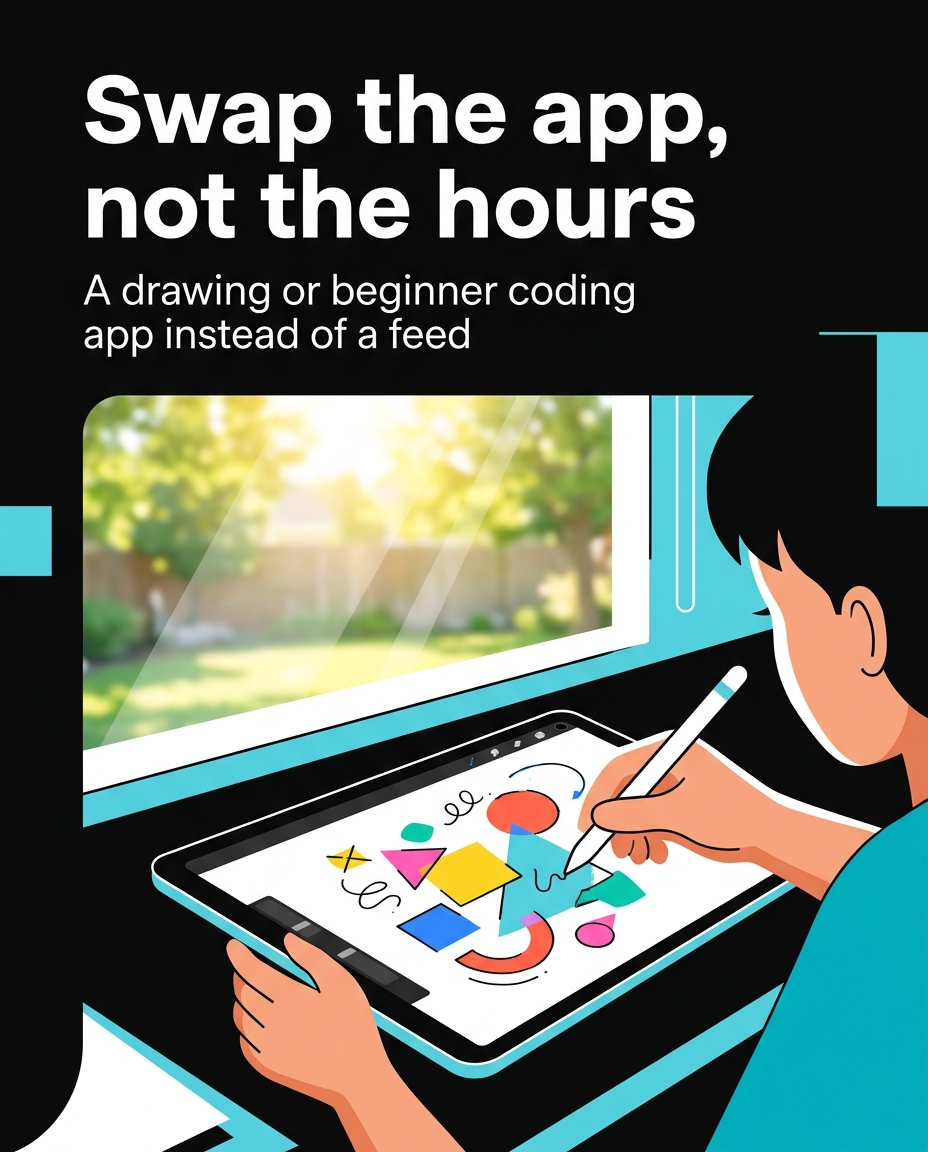
- Introduce one creation tool per month. Scratch (ages 8–12) for game and animation building, Canva for simple graphic design, or CapCut for basic video editing — all free, all usable within 20 minutes of first opening them.
- Set a “make one, watch one” rhythm. A family in San Diego adopted this rule informally: for every 20 minutes of video watched, their two kids (ages 9 and 12) spend 20 minutes on a personal project — a comic strip, a short stop-motion animation, a small coding puzzle. After three months, the kids began choosing to spend more time creating without being reminded.
- Celebrate small outputs publicly (within the family). A printed comic on the fridge, a 30-second stop-motion clip shared at dinner — recognition matters more than perfection.
What the Research Says About Creation and Confidence
A 2021 study published in the Journal of Educational Psychology found that children who engaged in regular creative digital projects — coding, digital art, or video production — showed measurably higher self-reported confidence in problem-solving compared to peers who primarily consumed content. The study tracked 312 students ages 10–14 over one academic year and found the creation group scored 27% higher on a standardized creative-confidence assessment.
This matters for parents because confidence built through creation transfers. A child who learns to debug a Scratch project — figuring out why a character won’t jump on cue — is practicing the exact patience and problem-solving that helps with math homework, science fair projects, and later, real-world technical careers.
Cybersecurity as a Gateway to Creation
Interestingly, cybersecurity education offers one of the most natural bridges from passive scrolling to active creation. Kids who watch videos about “hackers” or “how apps get hacked” are often fascinated by the mechanics behind the content — not just the drama of it. Structured lessons that let them build a simple password strength checker, design a mock phishing-detection quiz for family members, or create a poster explaining a real scam they encountered online, turn that fascination into applied skill. It’s the same curiosity that fuels the scroll, just redirected toward something they built themselves.
Setting Realistic Expectations
This shift doesn’t happen overnight, and it doesn’t mean eliminating passive viewing altogether — kids should still get to relax and enjoy content. The goal is balance: introducing enough creative outlets that consumption becomes one part of digital life rather than the whole of it. Parents who’ve seen success with this approach typically describe a gradual shift over 8 to 12 weeks, not an instant transformation. Patience, consistent small nudges, and genuine curiosity about what your child is building are what make the difference.
Want to try it out? 🚀
- 🎬 Sample lesson: Free trial
- 📋 Full syllabus: View the program
- 🎓 Enroll & details: Cyber School courses
The International Cyber School Program (Grades 4–9): live online, globally recognized certifications, from fundamentals to CTF.
Frequently Asked Questions
My child resists trying anything “educational” — how do I introduce creation tools without it feeling like schoolwork?
Frame it around their existing interests rather than as a lesson. If they love gaming videos, suggest recording and editing their own gameplay clip. If they love slime or craft videos, try a simple stop-motion app. The tool should feel like an extension of what they already enjoy watching, not a separate assignment.
How much time should a child spend creating versus consuming content each day?
There’s no universal number, but a helpful starting ratio used by several families and after-school programs is roughly equal time — for every 20–30 minutes of passive viewing, aim for a similar block of active creation. Adjust based on your child’s age, interest level, and school schedule rather than following a strict rule.
What free tools are best for a complete beginner, age 8–12?
Scratch (from MIT Media Lab) is widely recommended for first-time creators because it uses drag-and-drop coding blocks and has a large, kid-friendly community for sharing projects. Canva is a good option for visual design, and simple stop-motion apps like Stop Motion Studio work well for kids who enjoy storytelling with physical objects or toys.