When your child slips on a headset and joins a game, you probably picture pixelated battles and friendly banter with classmates. But the voice and text chat inside popular games like Fortnite, Roblox, Minecraft, and Discord servers linked to games is an open, largely unmoderated social space — and it exposes far more than most parents realize. Understanding kids game chat safety starts with knowing exactly what’s being shared, heard, and recorded every time your child presses “join party.”
Voice Chat Reveals More Than Words
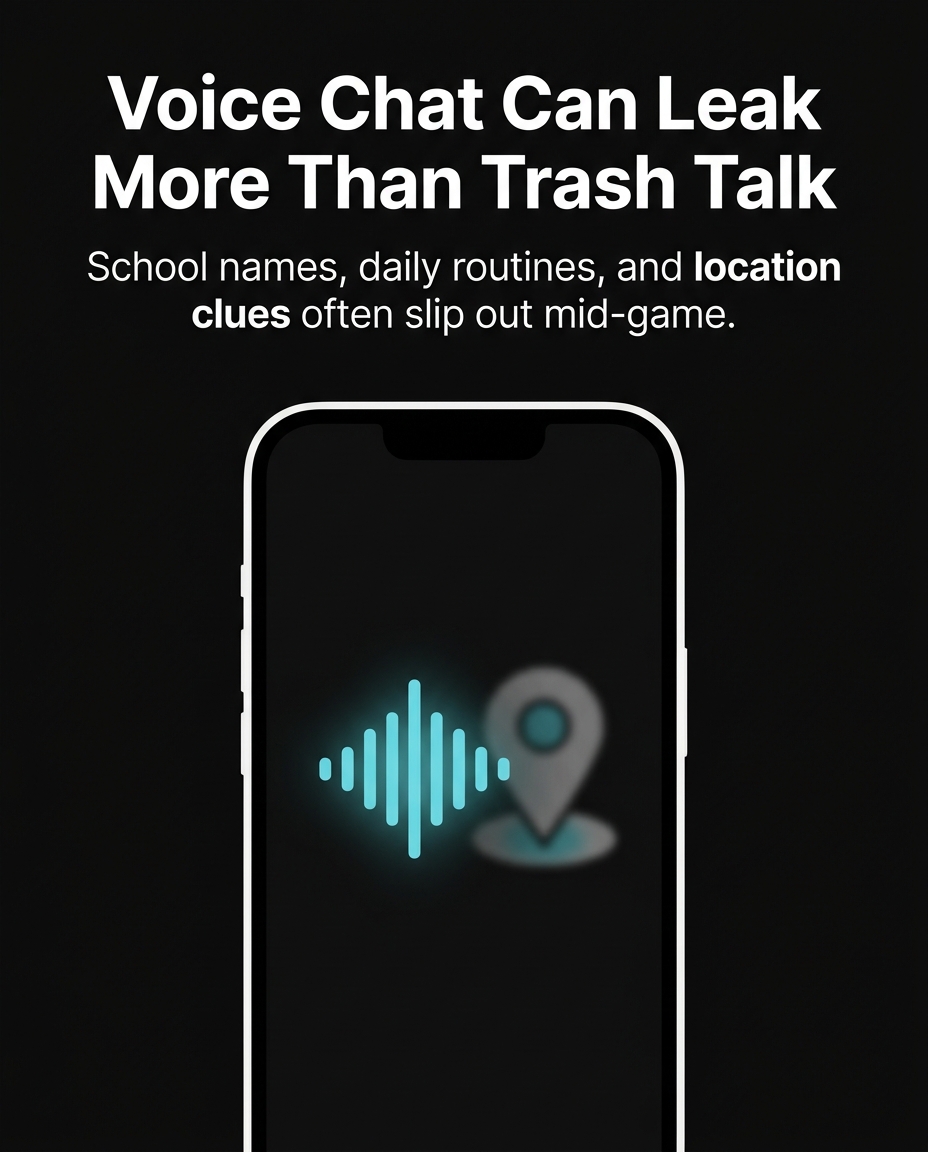
In 2021, the UK’s Internet Watch Foundation reported a 60% rise in cases where predators used in-game voice chat to build trust with children before moving conversations to private platforms. It’s not just what kids say — it’s what their voice, background noise, and reaction patterns reveal. A predator listening to a 10-year-old on Roblox can often guess age, gender, school schedule (“gotta log off, bus comes at 7:15”), and even location clues from background sounds like a specific TV show or a sibling’s name shouted from another room.
In one widely reported 2020 case, a 12-year-old boy in Texas was groomed over 14 months entirely through Fortnite’s party chat. The relationship moved from in-game teamwork to birthday and address questions, then to a private messaging app — all before any parent reviewed a single conversation, because voice chat leaves no transcript by default.
Usernames and Profiles Are Mini Dossiers
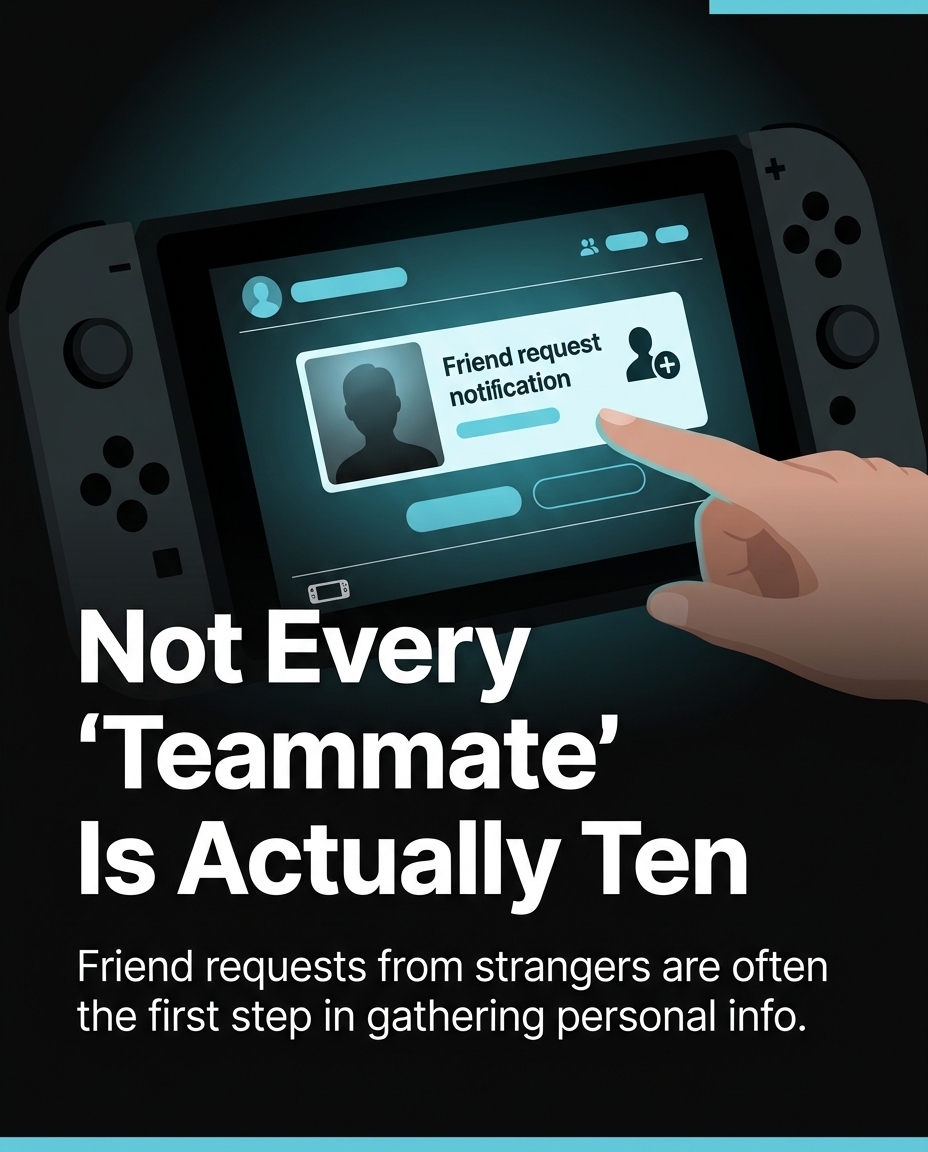
Kids love personalizing their gamer tags, but small details add up fast. A username like “EmmaSoccer2013NJ” tells a stranger a first name, a hobby, a likely birth year, and a state — all in one string, no hacking required. Roblox and Fortnite profile bios often include school names, Snapchat handles, or “add me on Discord: xxx#1234,” which routes strangers straight into a second, less-moderated app.
A 2022 Thorn research report found that 1 in 6 kids aged 9–12 had been asked for personal information by someone they only knew from a game. Most of those requests didn’t feel threatening in the moment — they were framed as “let’s be friends” or “add me so we can play again tomorrow.”
Text Chat Logs Are a Goldmine — and a Blind Spot
Unlike voice, text chat is technically logged by most platforms, but parents almost never see it. Discord servers tied to games like Minecraft or Valorant can have thousands of members, and a child’s message history — jokes, arguments, crushes, complaints about parents — sits there indefinitely, searchable by anyone with server access. In 2023, a Bark Technologies safety report analyzed over 5 billion messages sent by monitored kids and teens and flagged 1 in 5 as containing concerning content: self-harm language, sexual conversations, or predatory grooming patterns.
Text chat also exposes emotional state in ways parents rarely see live. A child venting “my parents are fighting again, I hate being home” in a public Minecraft server isn’t just oversharing — it’s the exact kind of vulnerability predators are trained to look for and respond to with false sympathy.
Screen Sharing and Live Streaming Add a Visual Layer
Many kids now stream themselves playing on Twitch or share their screen during Discord calls. This can accidentally broadcast a home address on a mail package in the background, a school ID on a desk, or even a younger sibling walking through the room. In 2021, a 13-year-old streamer in Ohio was doxxed — her real name, school, and street were pieced together by viewers combining a background house number visible on stream with a casual mention of her town during gameplay commentary.
Webcam-enabled chats (common in Discord video calls between “gaming friends”) raise the stakes further: a friendly-seeming teammate can screen-record a video call without consent, and that footage can circulate long after the friendship — real or fabricated — ends.
What Parents Can Actually Do
You don’t need to ban gaming to protect your child — you need to make the invisible visible. Practical steps that work:
- Review privacy settings together. On Fortnite and Roblox, restrict voice chat to “friends only” rather than “everyone,” and turn off public profile bios.
- Create a username rule. No real names, birth years, schools, or locations — ever, in any gamertag.
- Ask to “watch a round.” Sitting beside your child during a session for 10 minutes reveals more about chat culture than any settings menu.
- Talk about the “add me on Discord” moment. Teach kids that moving a friendship to a second, private app is a classic grooming step — not an innocent convenience.
- Use built-in parental tools. Xbox Family Settings, PlayStation Family Manager, and Roblox Parental Controls all let you review chat logs and restrict who can message your child directly.
The Bigger Picture: Digital Literacy Beats Fear
Banning games outright often just pushes kids toward less-supervised platforms or convinces them to hide activity from parents entirely. The more effective long-term strategy is teaching kids to recognize red flags themselves: a stranger asking personal questions, someone pushing to move chats to a private app, or a “friend” who gets upset when they don’t share more information. Kids who understand why a rule exists — not just that it exists — are far more likely to follow it when a parent isn’t watching the screen.
Game chat isn’t inherently dangerous, and most conversations between kids really are just about strategy and jokes. But treating it as a fully private, low-stakes space is where the real risk lives. A few honest conversations and five minutes of settings review can close most of the exposure gap — without taking the fun out of the game.
Want to try it out? 🚀
- 🎬 Sample lesson: Free trial
- 📋 Full syllabus: View the program
- 🎓 Enroll & details: Cyber School courses
The International Cyber School Program (Grades 4–9): live online, globally recognized certifications, from fundamentals to CTF.
Frequently Asked Questions
What’s the safest voice chat setting for a young child in Fortnite or Roblox?
Set voice and text chat to “friends only” rather than “everyone,” and periodically review the friends list together — many kids accumulate strangers added mid-match without realizing it.
How can I tell if my child has been talking to a stranger in game chat?
Look for new usernames on the friends list you don’t recognize, requests to “add me on Discord” or Snapchat, and behavior changes like secrecy about screen content or reluctance to let you watch them play.
Are parental monitoring apps worth using for game chat specifically?
Yes — tools like Bark, Xbox Family Settings, or Roblox’s built-in parental dashboard can flag concerning keywords in text chat and show friend requests, giving you visibility without reading every single message yourself.